
The Cloud Console Conundrum: Why Your AWS Console Isn’t Enough Anymore
Let’s be honest. You probably started your cloud journey the same way most of us did. You logged into the AWS console, clicked around, spun up a few resources, and felt pretty good about yourself.
And the AWS console is still the main way most teams manage their cloud stuff. It’s where you go to check on your AWS RDS databases, tweak your AWS SES email settings, or look at your monthly bill. It’s familiar. It’s powerful. And in 2026, it’s no longer enough.
Here’s the problem. The cloud world has exploded. You’re not just managing one or two services anymore. You’re juggling dozens of them. And on top of that, you’re probably also dealing with other platforms like Google Cloud Services or even Unity Cloud for your gaming workloads. The ecosystem has become a sprawling mess of specialized tools, each with its own dashboard, its own alerts, and its own learning curve.
This creates a real paradox. The AWS console is essential. You can’t run your infrastructure without it. But relying on it alone leads to fragmented workflows and serious tool fatigue. You end up jumping between ten different windows just to figure out what’s happening. Sound familiar?

According to recent AWS stats, the number of services and the volume of data they generate keeps climbing every year. Just look at AWS CloudWatch. It handles massive amounts of log data, and teams are constantly looking for better ways to make sense of it all. The console was built for a simpler time.
That’s why we wrote this article. We want to help you map out the current cloud tooling landscape, spot the key trends shaping 2026, and build a simple framework for choosing the right tools without losing your mind. Because the goal isn’t to abandon the AWS console. The goal is to know when to use it and when to reach for something better.
Stick with us. We’ll walk you through it step by step. And if you want to stay ahead of the curve on all things tech, make sure to check out The Deep View Newsletter for daily insights that cut through the noise.

The State of the AWS Console in 2026
So where does the AWS console stand today? It has gotten better. AWS now offers more automation right inside the console. You can set up actions triggered by CloudWatch alarms without leaving the interface. And in 2026, AWS launched a Sustainability console to help you track your carbon footprint source. The console is smarter than ever.
But here is the catch. Its core design still treats every resource as a one-off task. You click in, change a setting, and move on. That works fine when you manage a few EC2 instances and RDS databases. But your world is bigger now. You run dozens of services across multiple accounts and regions. The volume of monitoring data keeps climbing. According to recent stats, AWS CloudWatch handles massive amounts of log data, and teams find it harder to get clear answers source. The console wasn’t built for that kind of complexity.
That gap explains why third-party tools have taken off. They give you a single pane of glass for your whole cloud estate. You see your AWS resources alongside your Google Cloud Services or Unity Cloud deployments. They also deliver smarter cost analytics and faster incident response. The console cannot match that when you need to see the big picture.
At the same time, the way we think about cloud management has shifted. The standard today is infrastructure as code. You define your setup in files, push them through a pipeline, and only open the console when something goes wrong. The console has become a debugging and audit tool, not your primary workspace. If you still live in the console for day to day work, you are leaving efficiency on the table.
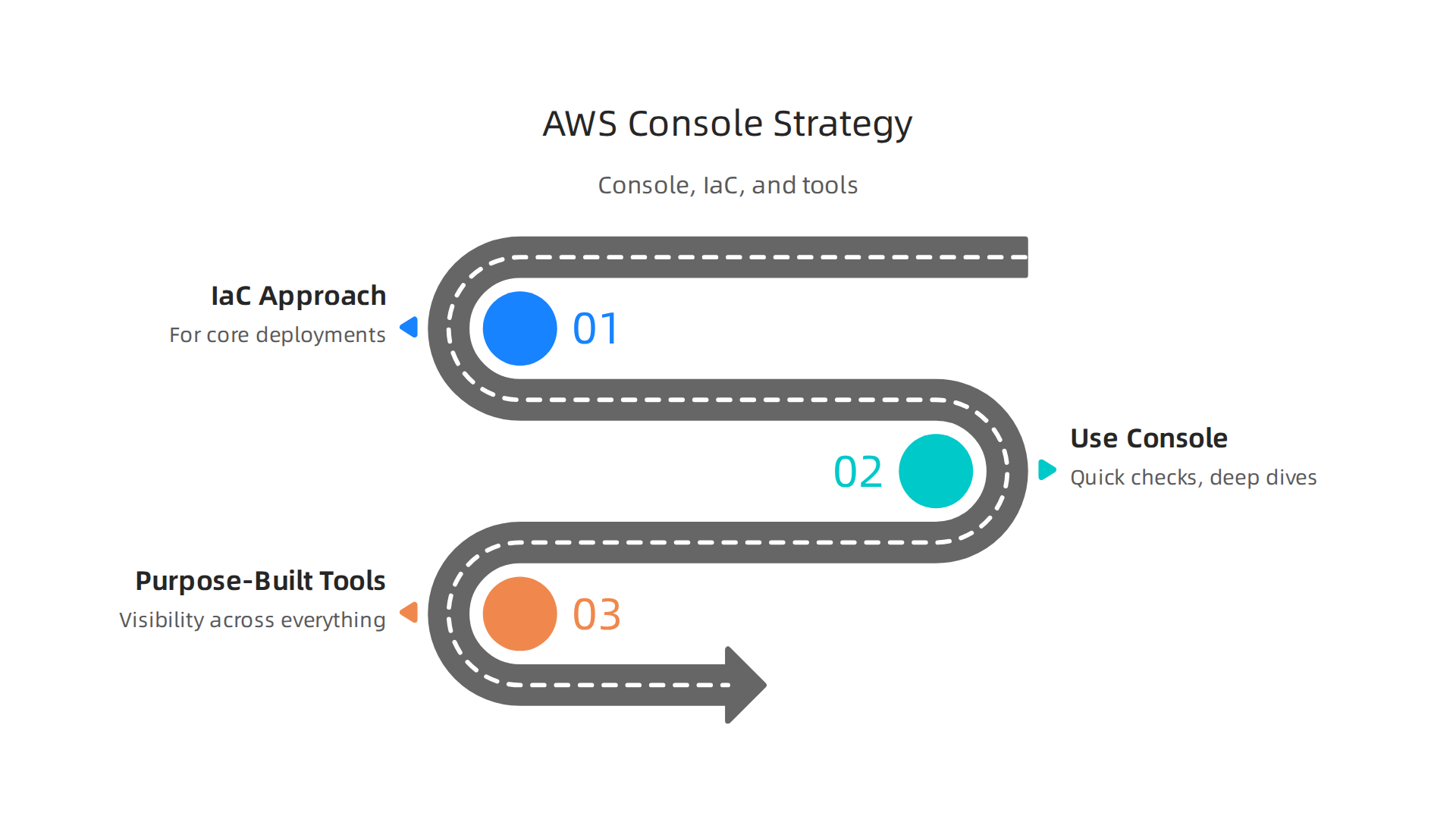
So what should you do? Start with an IaC approach for your core deployments. Use the console for quick checks and deep dives during incidents. And when you need visibility across everything, bring in purpose built tools.
Want to stay ahead without the noise? The Deep View Newsletter delivers clear daily updates on AI and cloud trends.
For more on building your cloud skills, check out our guide on AWS DevOps certification in 2026. And if you are diving into machine learning, we have a detailed look at AWS SageMaker in 2026.
Cloud Infrastructure Trends Shaping the Tooling Landscape
Those individual steps we talked about are a great start. But to really understand why the AWS console feels limited, you need to see the bigger picture. Three major trends are reshaping the cloud management world right now.

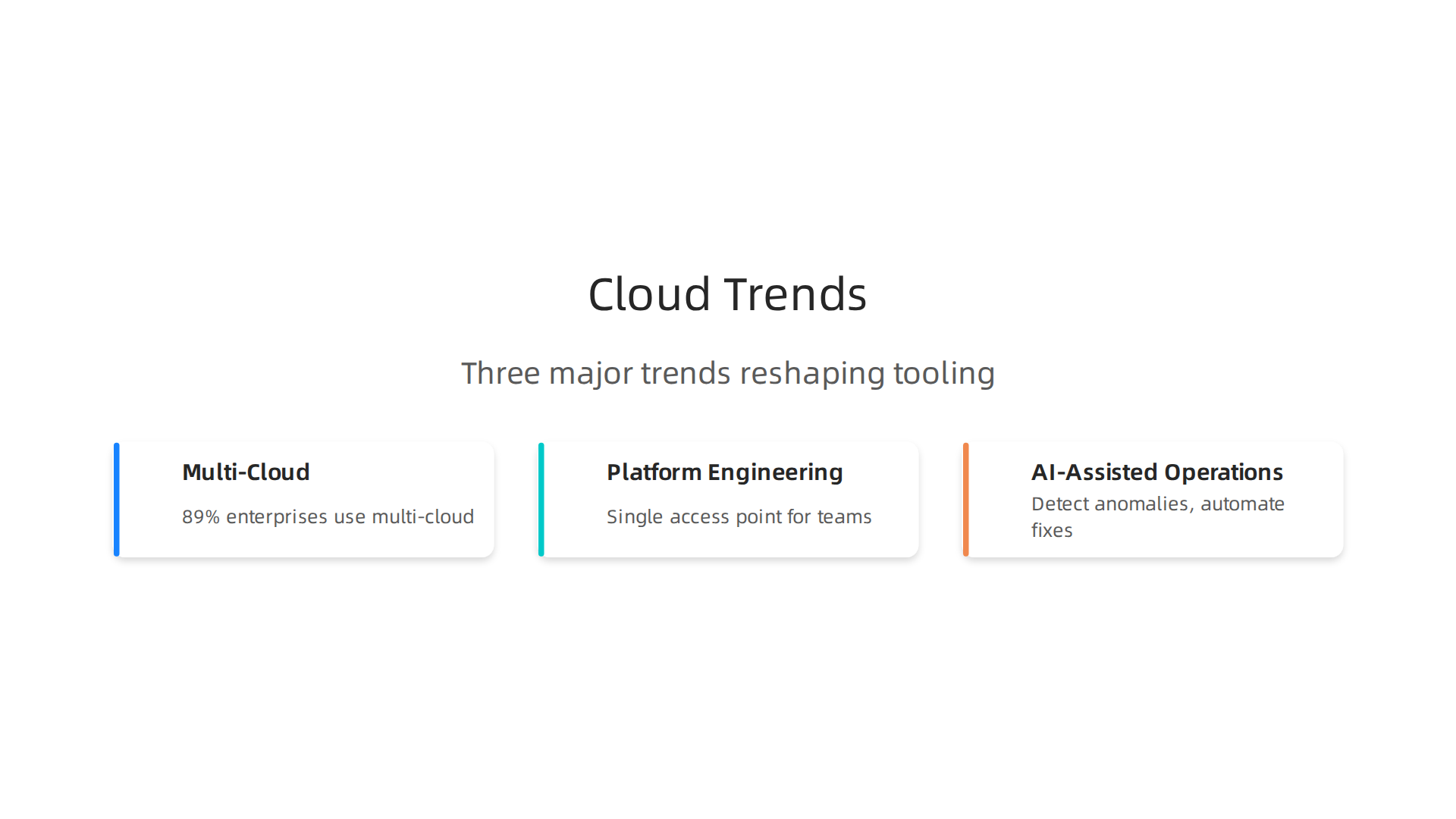
First, multi-cloud and hybrid cloud are no longer just buzzwords. They are the standard. A recent survey found that 89% of enterprises now have a multi-cloud strategy source. The average organization uses 3.4 different cloud providers. You might run your core apps on AWS, spin up experimental workloads on Google Cloud Services, and have legacy systems on a private cloud. This makes the AWS console just one piece of the puzzle. You need a way to see everything together, not jump between different interfaces.
Second, platform engineering and internal developer portals are taking over. These tools give your teams a single place to access everything they need: code repositories, CI/CD pipelines, monitoring dashboards, and cloud resources. They hide the complexity of the underlying providers. Instead of logging into the AWS console for an RDS database and a separate tool for your Unity Cloud setup, developers just use the portal. This reduces friction and operational overhead.
Third, AI-assisted operations, or AIOps, are becoming a must-have. With the massive volume of monitoring data, humans cannot spot every anomaly or trace every issue manually. AI tools now handle that job. They detect unusual patterns, perform root cause analysis, and even automate fixes. This goes way beyond what the AWS console can do with CloudWatch alarms.
These trends all point in the same direction: the AWS console is becoming less central to your daily work. You need tools that work across different clouds, simplify access, and use AI to make sense of the noise.
Want to stay on top of these fast changes without spending all day reading? The The Deep View Newsletter gives you clear daily updates on AI and cloud trends.
For more on building the right skills, check out our guide on AWS DevOps certification in 2026.
Beyond the Console: Essential Tools for Modern Cloud Operations
By now it’s clear that the aws console alone doesn’t cut it for 2026. But what should you use instead? A new generation of tools has matured to handle the complexity of multi-cloud and platform engineering. These tools fall into three big categories: Infrastructure as Code, observability with AI, and security embedded in your pipelines.
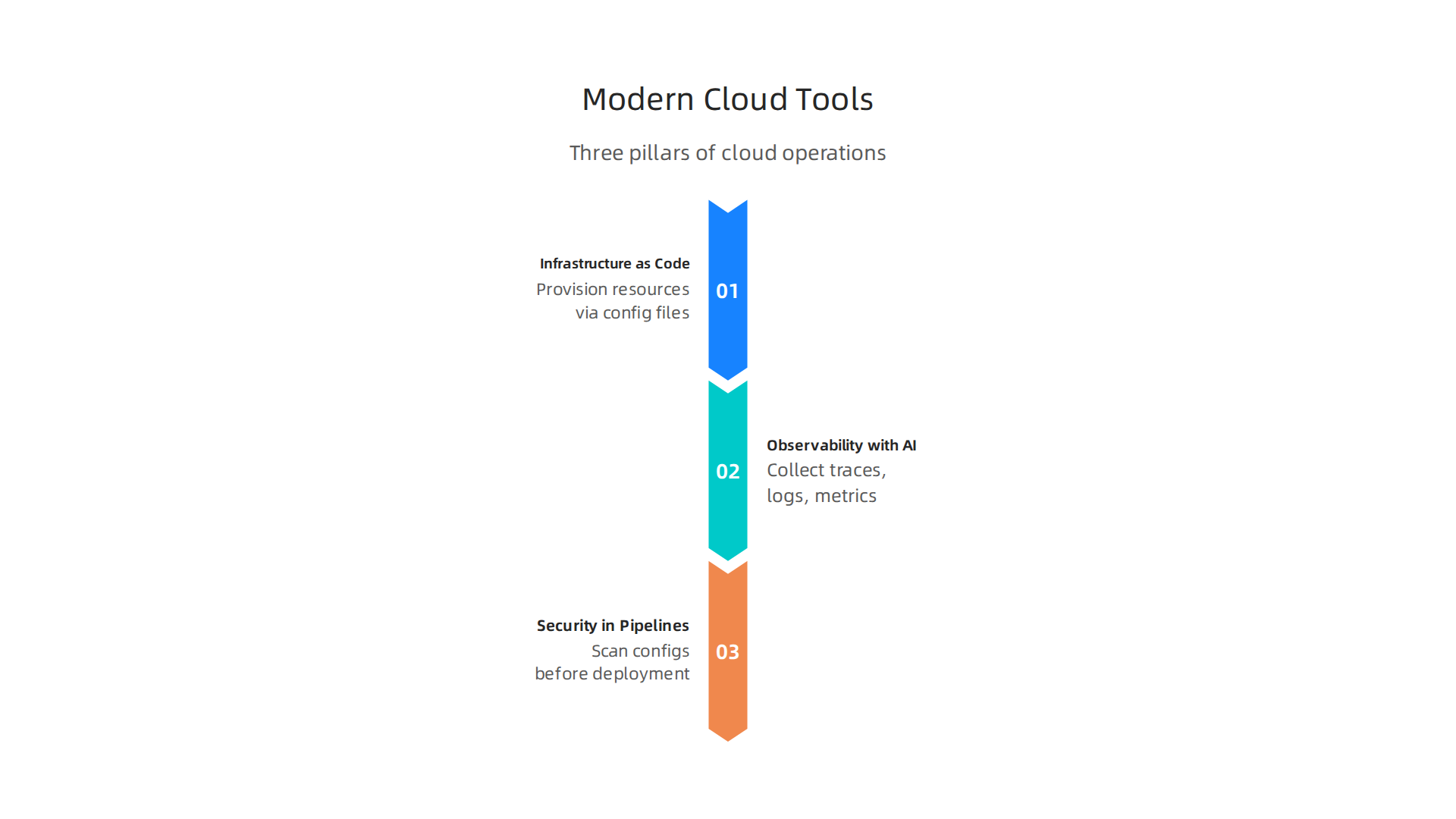
Infrastructure as Code (IaC) tools now dominate how teams provision resources. Instead of clicking through the aws console, you write config files. Tools like Terraform, Pulumi, and AWS CDK let you define everything from compute to databases.
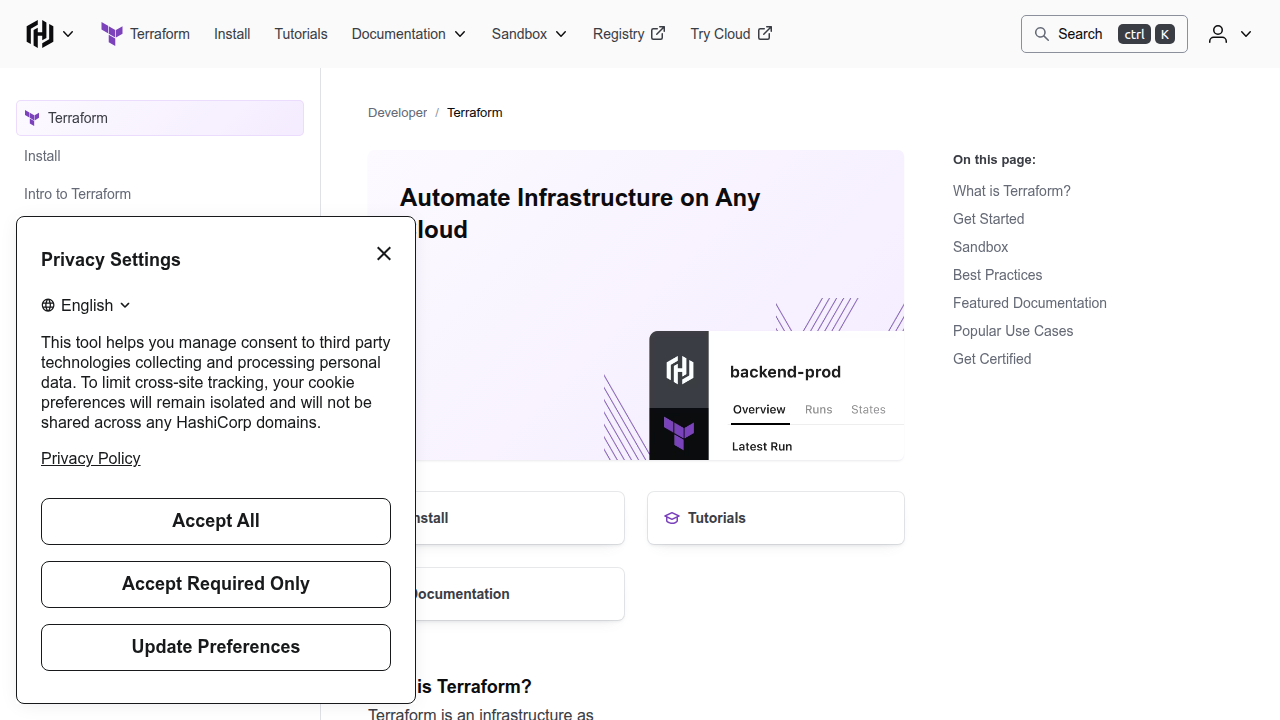
With one config you can spin up an AWS RDS instance, set up AWS SES for email, launch Google Cloud Services virtual machines, and even manage Unity Cloud instances for game servers. This works across providers, not just AWS. In 2026, Terraform remains a top choice, and new players like OpenTofu are gaining ground. Whether you manage a few services or hundreds, IaC is the foundation source.
Observability stacks are getting smarter with AI. Older tools like CloudWatch give you raw metrics. Modern tools like Datadog, New Relic, and open-source OpenTelemetry collect traces, logs, and metrics from every service
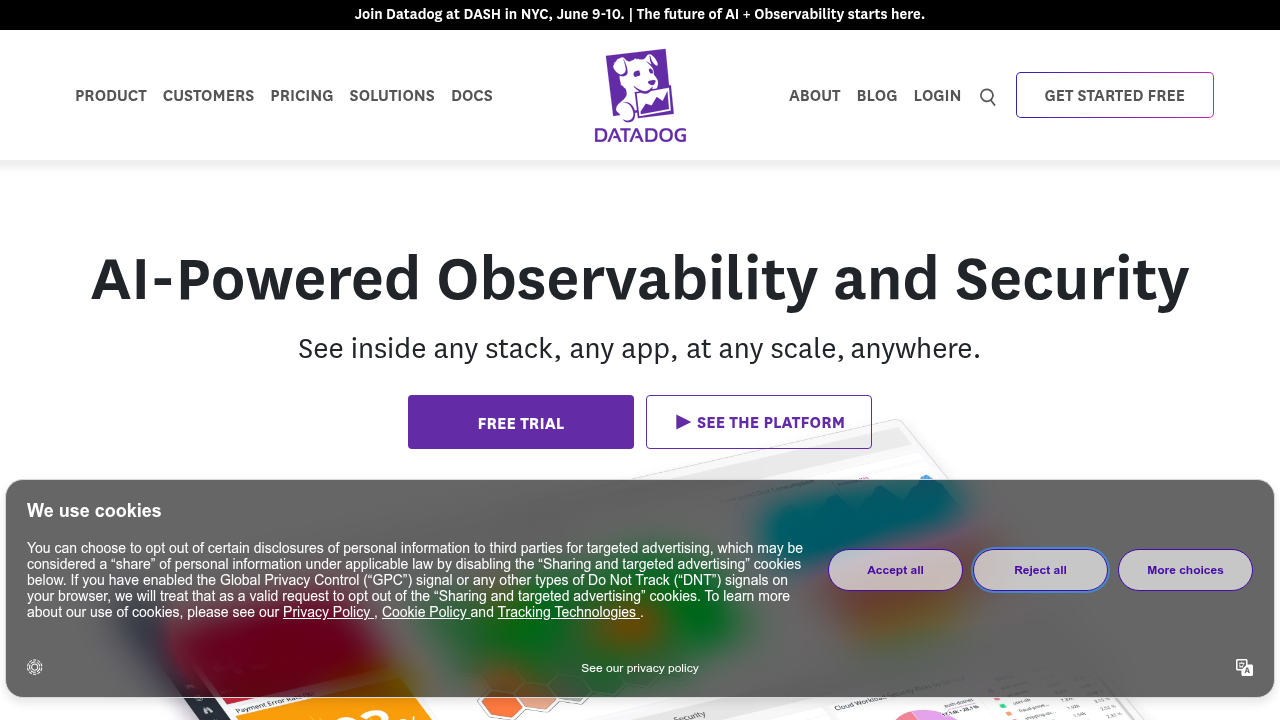
including AWS RDS, AWS SES, and Google Cloud Services. Then AI analyzes all that data to flag anomalies, predict failures, and even suggest fixes. This is AIOps in action. Instead of staring at dashboards, you get alerts that tell you what’s wrong and why source.
Security and compliance are now built into CI/CD pipelines. You can’t wait for a monthly audit anymore. Tools for Cloud Security Posture Management (CSPM) and Infrastructure Entitlement Management (IEM) scan your configs before deployment. They check across AWS, Google Cloud, and Unity Cloud for misconfigurations or over-permissions. When a developer tries to open a security group too wide, the pipeline blocks it. This keeps you safe without slowing down delivery.
These tools replace the manual work you used to do in the aws console. They work across providers, use AI to cut noise, and bake security into every change. To build the skills to use them well, check out our guide on AWS DevOps certification in 2026.
Want to keep up with the latest cloud tools without spending hours researching? The Deep View Newsletter delivers clear daily insights straight to your inbox.
Security and Compliance in the Multi-Tool Cloud Environment
All those powerful tools we just covered come with a hidden cost. Every new tool, every extra cloud provider, and every automated pipeline adds one more thing that can go wrong. By 2026, 89% of enterprises already use multiple cloud providers source. The average company juggles 3.4 different clouds. That means 3.4 times the identity systems, 3.4 times the config surfaces, and 3.4 times the chances for a misstep.
Your attack surface gets bigger with every tool you add. Think about it. You might manage access through the aws console for your core infrastructure. But now you also have Google Cloud Services for data analytics. A Unity Cloud instance runs your game server backend. AWS RDS handles your databases. And AWS SES sends your transactional emails. Each of these has its own identity and access management (IAM) settings. One over-permissioned role or one open security group can become an entry point. This problem is called identity sprawl, and it is one of the most common security mistakes enterprises still make in 2026 source.
Compliance is where things get really tricky. Frameworks like SOC 2, ISO 27001, and FedRAMP require you to enforce the same policies everywhere. You can’t have strict controls in the aws console but loose rules in your Google Cloud Services or Unity Cloud environments. Consistent policy enforcement across all these platforms is hard. A lot of teams find out about compliance drift during an audit, and that is the worst time to find out.
AI-driven threat detection is no longer optional. In 2026, the speed of attacks demands an automated response. AI tools now monitor your entire multi-cloud environment in real time. They spot unusual behavior, flag potential breaches, and even trigger automated remediation before a human ever sees the alert source. This has become table stakes for enterprise cloud security. If you aren’t using AI to catch threats, you are falling behind.
The good news is that Cloud Security Posture Management (CSPM) tools have matured to handle this exact challenge. They scan your configs across every provider, enforce your compliance rules, and integrate with your CI/CD pipelines to block risky deployments. The top CSPM tools for 2026 give you a single pane of glass for security across the aws console, Google Cloud Services, Unity Cloud, and everything else source.
Staying on top of these security shifts takes constant learning. Our guide on AWS DevOps certification in 2026 can help you build the skills to manage multi-cloud security with confidence.
Want to keep your security knowledge sharp without drowning in alerts? The Deep View Newsletter delivers clear daily updates on cloud security and AI trends straight to your inbox.
Cost Management and Optimization Across a Fragmented Toolchain
Now that we have security under control, let’s talk about the money. If you are running a multi-tool cloud environment, chances are you are paying for things you do not use. In 2026, organizations waste 27% of their cloud spend and that adds up to more than $100 billion globally. Another report says 32% of cloud budgets go to waste because of overprovisioning and idle resources. The aws console can show you your AWS costs, but what about the rest of your stack? If you also use Google Cloud Services for data, Unity Cloud for game servers, AWS RDS for databases, and AWS SES for email, you have billing views spread across multiple dashboards. That is how overspend sneaks in.
**FinOps has become the standard way to fight cloud waste.

** FinOps teams use tools that give you a single view of costs across all your providers. They set real-time budgets and tag every resource so you know which team or project is driving the spend. The Flexera 2026 State of the Cloud Report shows that companies practicing FinOps cut waste by nearly half compared to those that do not. The trick is to have granular cost allocation rules that apply everywhere, not just in the aws console.
Managed services and serverless architectures are changing how we think about cost. Instead of paying for servers you never fully use, you pay per request or per execution. That sounds great, but it requires a new kind of optimization. If you are using a service like AWS SageMaker for machine learning, you need to watch for runaway experiments and idle endpoints. Our guide on AWS SageMaker in 2026 covers how to keep those consumption-based costs under control. The same goes for AWS RDS serverless or AWS SES: you pay per resource, so unused capacity hits your bill instantly.
One of the best ways to stop waste is to automate your infrastructure with IaC tools. Infrastructure as Code lets you spin up resources only when you need them and tear them down automatically. The top IaC platforms for 2026 include Terraform, Pulumi, and OpenTofu. They integrate with your CI/CD pipeline to prevent orphaned resources from piling up. When every resource is defined in code, you can spot unused instances before they cost you another month.
Managing cloud costs across a fragmented toolchain is tough, but the right habits and tools make a huge difference. If you want to keep up with the latest cloud cost trends without drowning in reports, The Deep View Newsletter sends you a clear daily summary of what matters most in cloud and AI.
Strategic Decision-Making: How CTOs and Engineering Managers Choose Tools
So we have saved money by cutting waste and automated our infrastructure with IaC. But the next question is harder: which tools should you actually use in 2026? The old approach of picking the "best" tool for each job is falling out of favor. Why? Because too many tools create too much mental load. Every new dashboard, every different login, every separate billing view adds friction. Your team spends more time switching contexts than building features.
The big shift in 2026 is from best-of-breed to platform-based consolidation. CTOs and engineering managers are realizing that fewer, deeper integrations beat a pile of point solutions. When you run workloads across multiple clouds, the cognitive cost of managing five different consoles is real. Instead of grabbing the hottest new service for every micro-task, teams are asking: "Does this tool fit into our existing workflow?" If the answer is no, it is out. As one analysis of multicloud strategy in 2026 puts it, the goal is to stop managing chaos and start managing choice. That means choosing platforms that already work with the tools you trust, like the aws console for one provider, or Google Cloud Services for another, rather than introducing a third unfamiliar interface.
How are teams actually making the call? The evaluation criteria have changed. Feature count used to be king. Now, integration depth, community support, and vendor stability matter more.
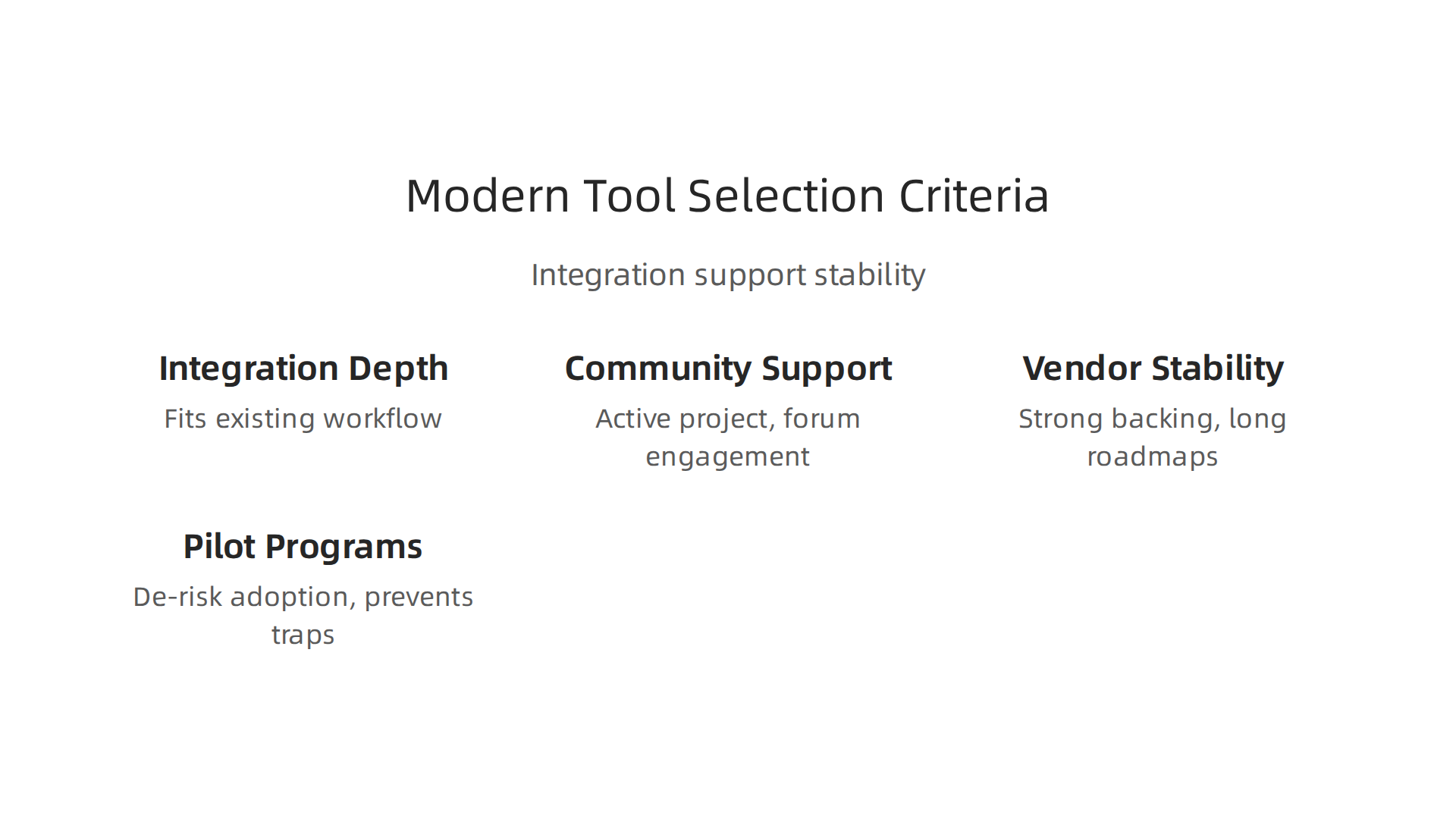
A tool with fewer features that connects cleanly to your existing stack beats a feature-packed silo every time. For example, if you rely on AWS RDS for your databases and AWS SES for email, you want new tools that plug into those services natively. The same goes for Unity Cloud if you are in gaming or Google Cloud Services for data pipelines. Teams are also checking community activity. Is the open-source project still alive? Are people answering questions on forums? If the community is quiet, the tool is probably dying. Vendor stability is just as critical. You do not want to bet your infrastructure on a startup that might not exist next year. Reviews of top IaC platforms for 2026 emphasize that platforms with strong backing and long roadmaps win the trust of enterprises.
Before rolling out a new tool across the entire organization, smart teams run pilot programs. They pick one team or one project. They give it a few weeks. They score the tool against internal scorecards that measure not just performance but also how easy it is to learn, how well it integrates, and how much support it needs. Only after that do they scale. This approach de-risks adoption and prevents the "we bought it, now we have to use it" trap.
If you are evaluating AI-powered tools for your cloud stack, you need a way to stay current without getting lost in hype. Our guide on AWS SageMaker in 2026 shows how to assess a platform that touches both development and operations. And if you want a daily, no-fluff summary of what actually matters in cloud and AI strategy, The Deep View Newsletter delivers the signal without the noise.
The Future of Cloud Tooling: AI, Automation, and the Console’s Evolution
You have made smarter choices about which tools to use. But the tools themselves are changing faster than ever. Here is the big trend in 2026: the console is taking a back seat. Instead of relying on manual clicks in the AWS Console to spin up servers or check logs, your team can now let automation and AI handle the heavy lifting.
The biggest change is that AI agents are starting to interact directly with cloud APIs. This means less time spent logging in and navigating menus. Gartner predicts that by 2026, 40% of enterprise applications will be integrated with task-specific AI agents. These agents can check the health of your AWS RDS databases or send an alert through AWS SES without a human ever opening a dashboard. This cuts down on human error. Misconfigurations and identity sprawl are still some of the biggest cloud security mistakes in 2026. Automation helps fix that by keeping human hands out of the critical paths.
The AWS Console is not going away. But it is evolving fast. AWS and other major cloud providers are investing heavily in natural-language interfaces and conversational consoles. Instead of memorizing command-line flags or hunting through drop-down menus, you can type what you want. Ask "How much did Unity Cloud cost last quarter?" or "Show me the CPU usage for my web servers running on Google Cloud Services." The console understands you. This lowers the barrier for junior engineers and speeds up everyone else. The goal is to stop managing chaos and start managing choice, which is what smart multi-cloud architectures in 2026 are all about.
The other big shift is that the old lines between development, operations, and security tools are disappearing. Unified platforms are winning because they reduce the cognitive load of juggling five different logins. The best multi-cloud security solutions in 2026 provide a single pane of glass for your entire stack. If your AWS Console can show you your security posture, your cloud costs, and your deployment status side by side, you have less reason to buy three separate tools.
This future of AI-driven, conversational, unified cloud tooling is happening right now. It saves time and prevents expensive mistakes. To keep up with how fast this is moving, you need a reliable filter for the signal. That is why I recommend getting a daily, curated update straight to your inbox. Check out The Deep View Newsletter for clear, daily AI and tech insights. And if you want to master a specific platform like AWS, our guide on AWS SageMaker in 2026 shows you how to build and train models without the fluff.
Summary
This article explains why the AWS Console, while still essential, no longer serves as the primary workspace for modern cloud teams. It covers how cloud complexity — multi‑cloud deployments, growing telemetry volumes, platform engineering, and AI‑driven operations — has exposed the console’s limits and driven adoption of IaC, observability platforms, CSPM, and FinOps tools. You’ll learn which tool categories replace repetitive console tasks, how to balance using the console for audits and incidents, and practical patterns for choosing and piloting new platforms. The piece also outlines security and cost risks from fragmented toolchains and recommends automation and policy‑as‑code to reduce mistakes and waste. By the end, you should understand when to lean on the console, how to introduce cross‑cloud tooling, and what criteria CTOs use to consolidate vendor sprawl.