

Introduction: Why Developers Are Turning to AI-Powered Note-Taking in 2026
Think about your typical week as a developer. You jump from a morning standup to a design review, then into a deep technical research session, followed by a code review meeting. By the end of the day, your brain feels full. You have action items scattered across emails, chat threads, and quick scribbles. Keeping track of everything? That is a job in itself.

That mental overload is real. And it is one reason why more engineers are turning to notes AI tools in 2026. Instead of scrambling to type every word during a meeting or trying to remember what was said in a long Slack thread, these tools capture and organize information automatically. They reduce manual transcription and help you focus on what really matters: solving problems and writing great code.
The market reflects this shift. According to the latest AI note-taking market size report, the industry is expected to grow from $740 million in 2026 to over $3.4 billion by 2035. That is a lot of developers looking for smarter ways to manage information.
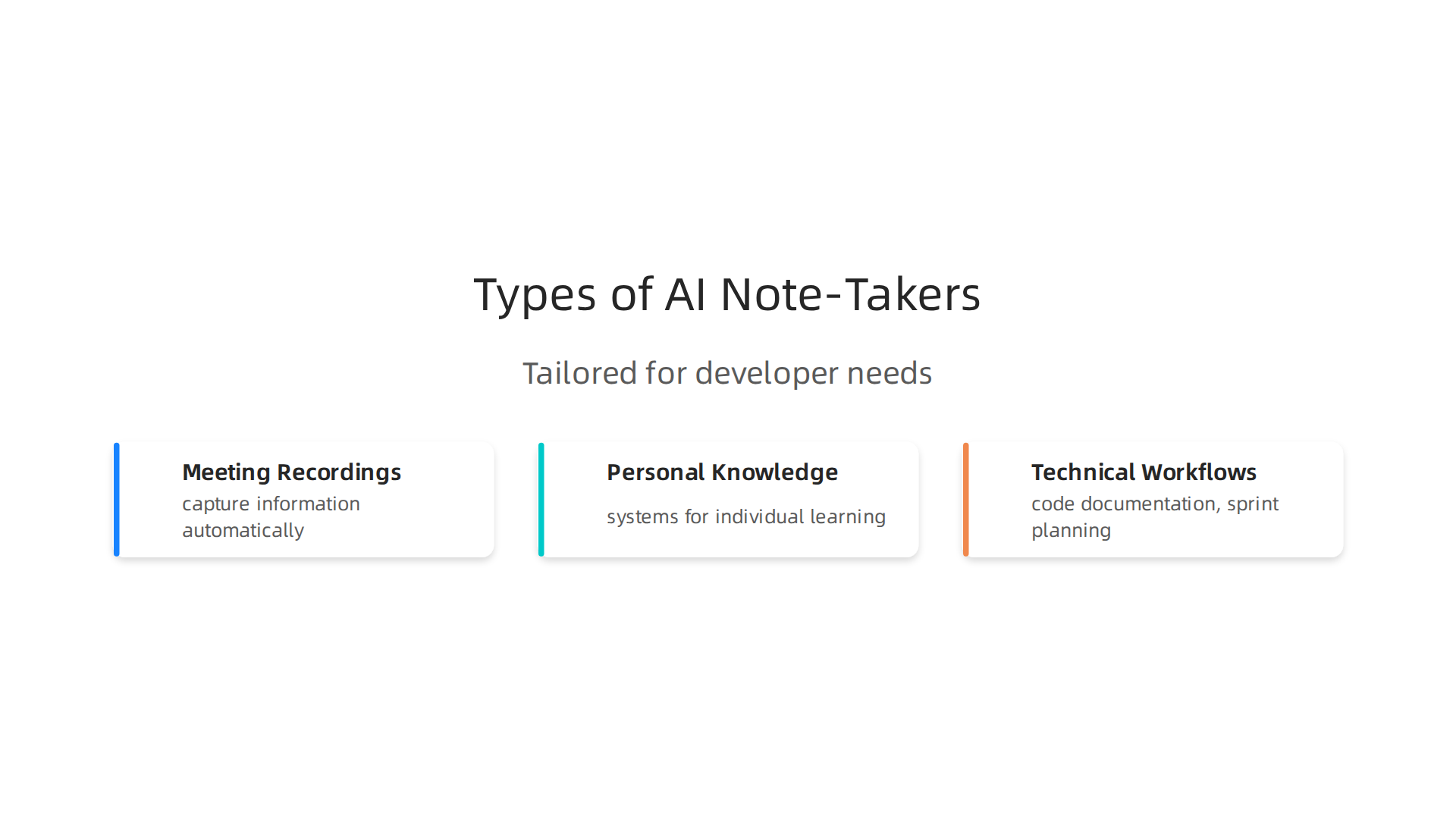
But not all notes AI tools are the same. Some focus on meeting recordings. Others act as personal knowledge systems. And a few are built specifically for technical workflows like code documentation and sprint planning.
That is where this guide comes in.
In this listicle, we will review the top notes AI solutions that actually fit into a developer’s workflow. You will learn about different types of AI note-takers, how LLM AI powers their smart summaries, and which ones work best for teams versus solo work. Whether you want a simple meeting recorder or a full notes website that replaces your scattered docs, we have you covered.
But before we dive into the tools, let us talk about what makes a great developer note-taking experience. And if you want to stay ahead of fast-moving trends like this one, The AI Newsletter Worth Reading delivers clear daily updates straight to your inbox.
Ready to find your perfect notes AI? Let us get started.
1. Notion AI: The All-in-One Workspace with AI Assistant
Notion AI is probably the most talked-about notes AI tool in developer circles right now. And for good reason. It combines notes, docs, databases, wikis, and now even autonomous AI agents into one central workspace. Instead of juggling multiple apps for different tasks, you can keep everything in one place. This makes it one of the most versatile types of AI tools for developers who value simplicity.
The AI Assistant inside Notion is where the real value shows up. Powered by advanced LLM AI, it can understand context and generate useful output.
You can feed it raw notes from a standup, and it will produce clean action items. Need a code snippet for a recurring task? Just describe what you want, and the AI writes it for you. It can also summarize long documents in seconds using the /summarize command. According to the official Notion AI product overview, the assistant uses context from your workspace to produce relevant output without switching tools.
This makes it a strong choice for developers who want a notes website replacement that goes beyond simple text capture. The AI can automate repetitive tasks like drafting meeting notes or creating database entries from scratch.
Integration with developer tools is another strong point. Notion connects directly with GitHub, Jira, Slack, and other platforms. You can link pull requests to project pages or sync sprint updates without manual copying. The recent launch of the Notion Developer Platform takes this further. As reported by TechCrunch on Notion’s developer platform, teams can now run custom code inside Notion and orchestrate AI agents that pull data from external sources like Postgres or Salesforce.
If you want to learn more about how engineering teams are adapting to new tools, check out our guide on the developer experience roadmap for engineering teams. It covers strategies for integrating AI tools like Notion into your daily workflow.
Notion AI is best for developers who already use Notion for project management or documentation. But it works equally well as a standalone notes AI tool that grows with your team.
2. Obsidian with AI Plugins: The Power User’s Knowledge Base
If Notion AI feels a bit too big or too cloud-dependent for your taste, Obsidian offers a completely different approach. It is a local-first notes tool that keeps your data in plain Markdown files on your own machine. No data leaves your computer unless you choose to sync it. That alone makes it a great choice if privacy matters to you.
But what really makes Obsidian stand out is its plugin system. The community has built hundreds of plugins, and several bring AI capabilities right into your local workflow. One of the most popular is Smart Connections. It uses a local LLM AI model to add semantic search to your notes. Instead of hunting through folders for that one code snippet you saved weeks ago, you can ask a question in natural language and the plugin finds the most relevant notes for you. This kind of notes AI works entirely offline, which is a big deal for developers who work on sensitive projects or just prefer to keep their knowledge base private.
The graph view is another feature developers love. It maps connections between your notes visually. When you link related concepts, you can see how your ideas connect, almost like a mind map for your codebase. For engineers, this can help you visualize relationships between code patterns, architecture decisions, and project notes in a way that a flat list never could.
AI plugins can also automate tedious tasks. You can set them to auto-tag new notes based on content, generate summaries of long documents, or even suggest links between related pages. All of this runs on your machine using local AI models, so you never have to worry about API costs or internet outages.
Obsidian is ideal for developers who love control and customization. It’s not a notes website that locks you in.

Instead, it is a flexible knowledge base that grows with you. And if you want to stay ahead of the curve, check out the top software developer skills for 2026 to see how tools like Obsidian fit into your career growth.
3. Mem: AI-Native Note-Taking for Fast Capture and Context
While Obsidian gives you ultimate control with local files and plugins, not every developer wants to manage their own setup. If you prefer a tool that does the organizing for you, Mem might be a better fit. Mem is built from the ground up as an AI-native notes app. Its main job is to make capture as easy as possible and let the AI handle the rest.
Here is how it works. You type, paste, or voice record a thought, and Mem’s AI automatically finds related notes from your entire library.
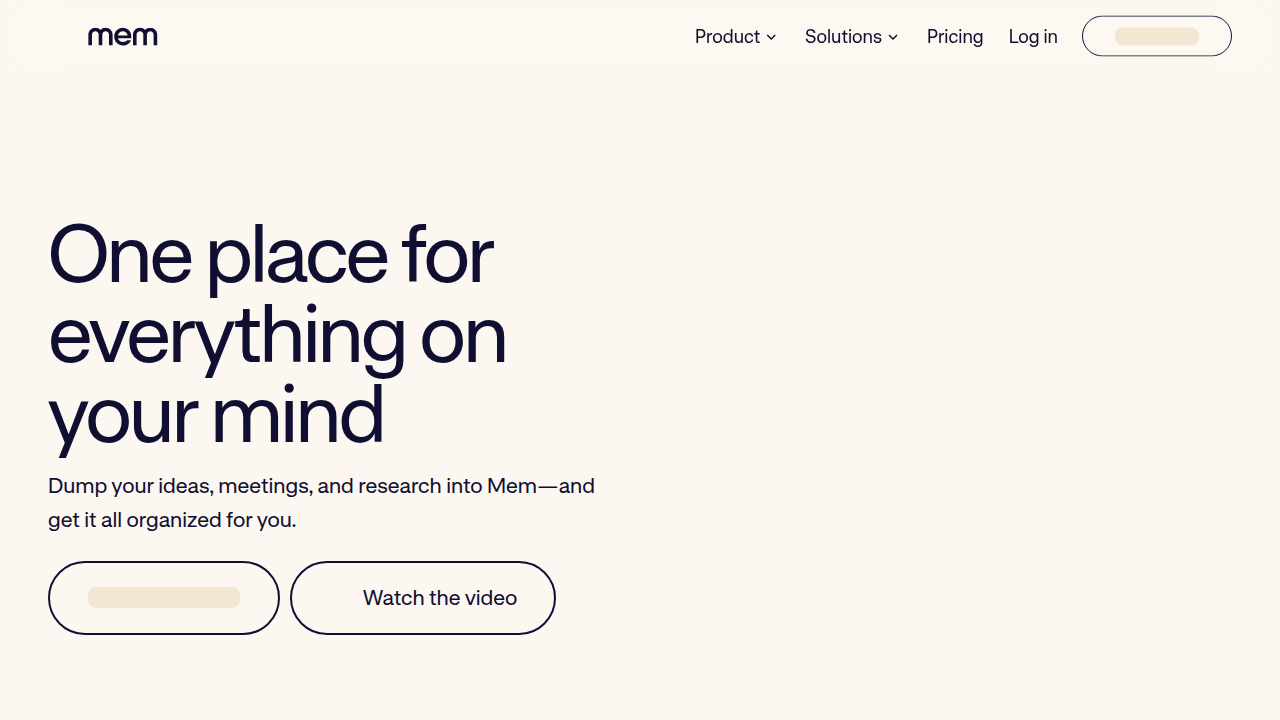
It surfaces context you might have forgotten about. This is different from folder-based tools. As the Mem vs Reflect comparison guide explains, Mem’s philosophy is that organization is the AI’s job, not yours. You capture freely, and the AI retrieves and synthesizes relevant content for you when you need it.
For developers, this is especially useful during code reviews and stand-ups. You can quickly jot down a bug, a design idea, or a piece of feedback without breaking your flow. Later, Mem’s Chat feature lets you ask questions in plain language. It pulls answers from everything you have saved, even across dozens of notes. No more digging through folders.
Mem also integrates with tools you already use. It can auto-import discussions from Slack and GitHub issues. This means every code review comment or team decision becomes searchable context. Your notes AI assistant can then help you recall that one conversation from two weeks ago without you having to remember where it was saved.
If you are tired of spending time filing and tagging notes, Mem offers a refreshing alternative. It fits well into a workflow where speed matters more than structure. To learn more about building efficient workflows in 2026, check out this developer experience 2026 roadmap for practical team strategies. The less time you spend managing notes, the more time you have to actually build things.
4. Reflect: Privacy-First AI Note-Taking with End-to-End Encryption
Mem is great for fast capture, but it stores your notes in the cloud. For some developers and teams, that is a dealbreaker. If you work at a company with strict data policies or simply value your privacy above all else, Reflect is a more secure alternative.
Reflect takes a different approach. Every note you write is protected with end-to-end encryption. That means only you can read them.
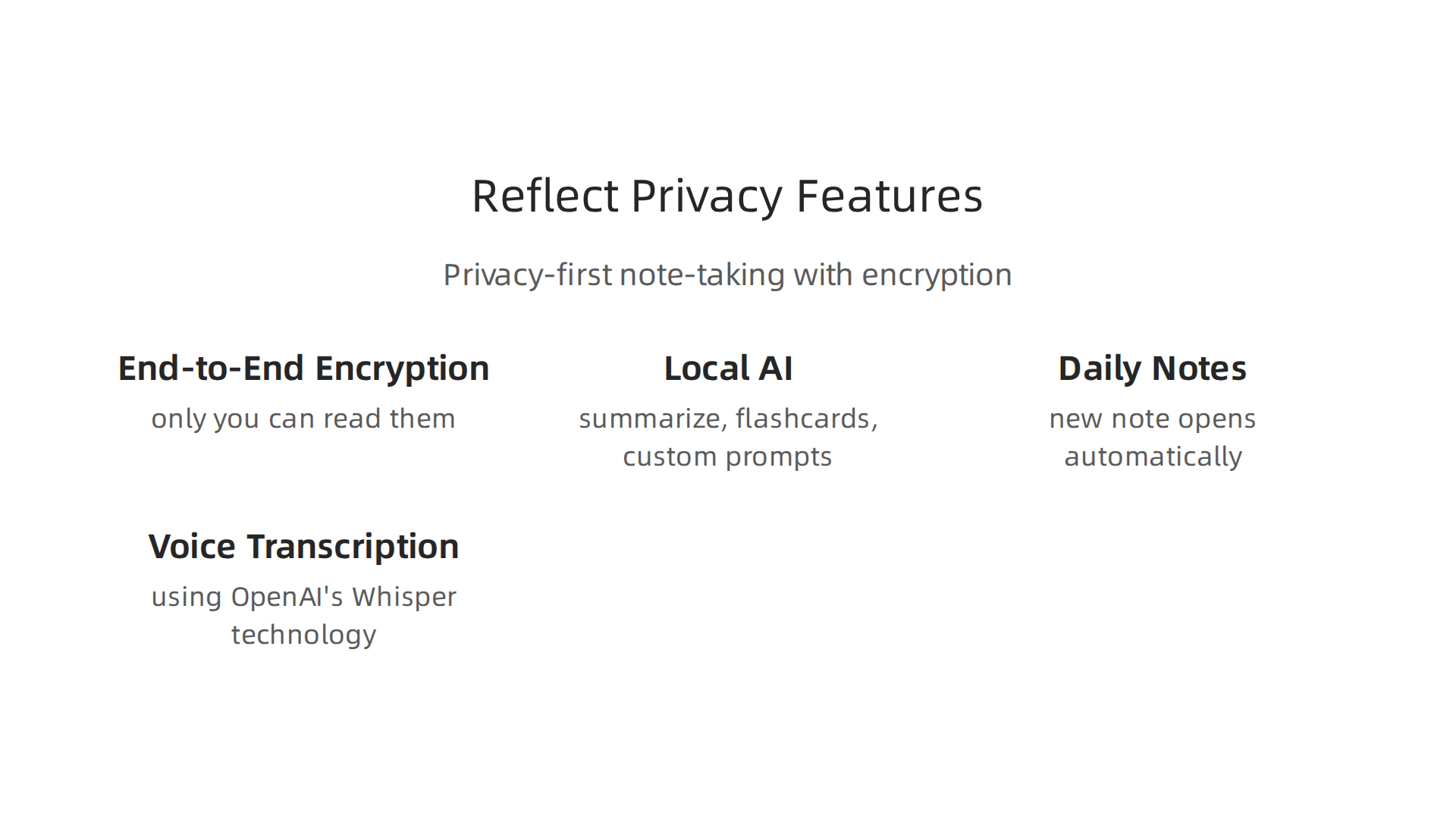
Even Reflect itself cannot access your data. This matters a lot when you store sensitive code reviews, architectural decisions, or client information.
The app keeps things simple. Each day, a new daily note opens automatically. You type, paste, or record a voice memo. The audio is transcribed using OpenAI’s Whisper technology. As you mention topics from past notes, backlinks appear automatically. This builds a web of connected ideas over time. A detailed Reflect review highlights how networked notes with backlinks help you think more clearly and find past information faster.
Reflect also includes AI features that work locally on your device where possible. You can ask the AI to summarize a technical research paper you saved. You can create flashcards to study key concepts. You can even use custom AI prompts to rephrase, fix grammar, or generate short summaries of your notes. This is useful for developers who need to document complex systems quickly.
If your team follows strict compliance rules or just prefers a notes tool that does not send data to external servers, Reflect is a strong choice. Its privacy-first design makes it stand out in the notes AI space in 2026.
To learn more about building secure, AI-powered development workflows, check out this guide on bridging the AI to human gap in your code. Having a private place for your notes is just one part of working smarter with modern tools.
5. Roam Research with AI Features: Graph-Based Thinking for Complex Systems
If you work on large software systems, you know how hard it is to keep track of everything. Architecture decisions, API designs, deployment notes, and team conventions all pile up fast. Roam Research was built for exactly this kind of complex knowledge work.
Roam uses a block-based outliner. Every sentence you write is a block. And every block can link to any other block anywhere in your notes.
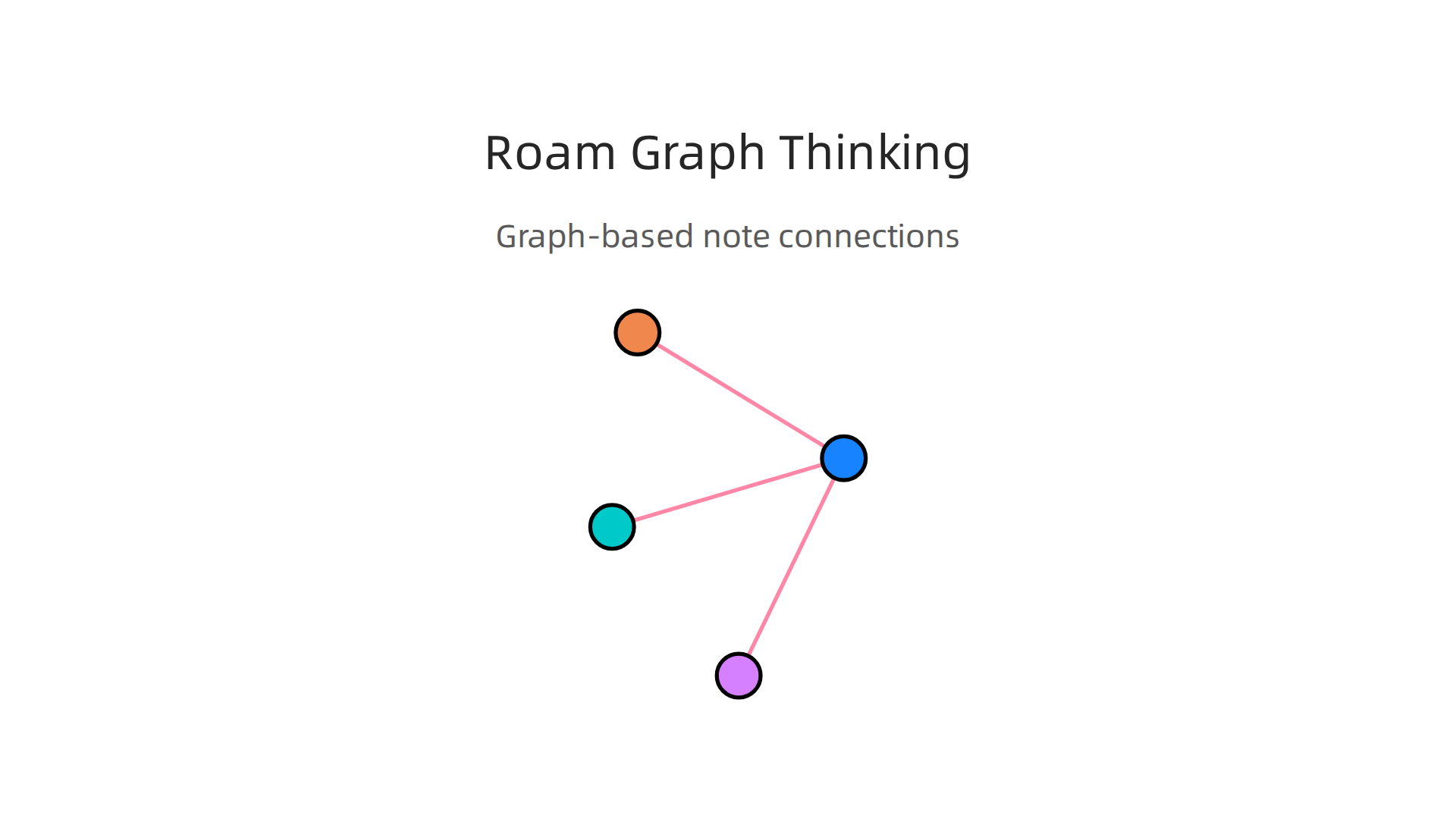
This is called bi-directional linking. When you create a link from one page to another, the link shows up in both places automatically. Over time, your notes grow into a connected graph that mirrors the structure of the system itself.
For developers, this changes everything. You can create a page for each service in your microservice architecture. Then you link that service to its API specs, deploy instructions, known bugs, and team contacts. When you open any service page, you see every note that mentions it. This makes it easy to trace how changes in one service affect others.
Many developers use Roam for long-term project documentation and personal knowledge management. The graph view reveals connections between ideas you would never have noticed on your own.
Roam itself does not include built-in AI features as of 2026. But a community extension called the Live AI Assistant adds them. This tool lets you interact with AI directly inside Roam blocks. You can use it to summarize daily journal entries, rephrase technical notes, or generate new connections across your graph. It supports all major LLMs including GPT-5 and DeepSeek V3.1. There is a helpful resource on the Live AI Assistant for Roam that explains how to set it up and use custom prompts for development workflows.
Using these types of AI tools inside Roam helps you surface related thoughts across your entire knowledge base instantly. You can write a note about a deployment issue, and the AI pulls up every related decision from months ago. Your notes website becomes a living second brain rather than a static archive.
For engineering teams that value structured, connected knowledge, Roam Research combined with AI extensions is one of the best notes AI setups available in 2026. The bi-directional graph makes it ideal for documenting complex systems. And the AI helps you navigate that complexity when it matters most. If you are looking to improve how your team captures and connects knowledge, this 2026 developer experience roadmap for engineering teams offers practical strategies to build better workflows around tools like Roam.
6. Taskade AI: Collaborative Notes with Built-In AI Assistance
Does your team waste too much time in meetings just trying to get organized? You are not alone. Distributed engineering teams often struggle to turn conversations into real work. Taskade AI solves this by combining notes, mind maps, and task management all in one place. And it brings powerful AI chat and agent capabilities right into your workflow.
Here is how it works. You start with a simple notes page. Then you turn it into a mind map with one click. Or you switch to a task list view. Taskade AI lets you work in whatever format fits the moment. No more switching between different apps for different types of work.
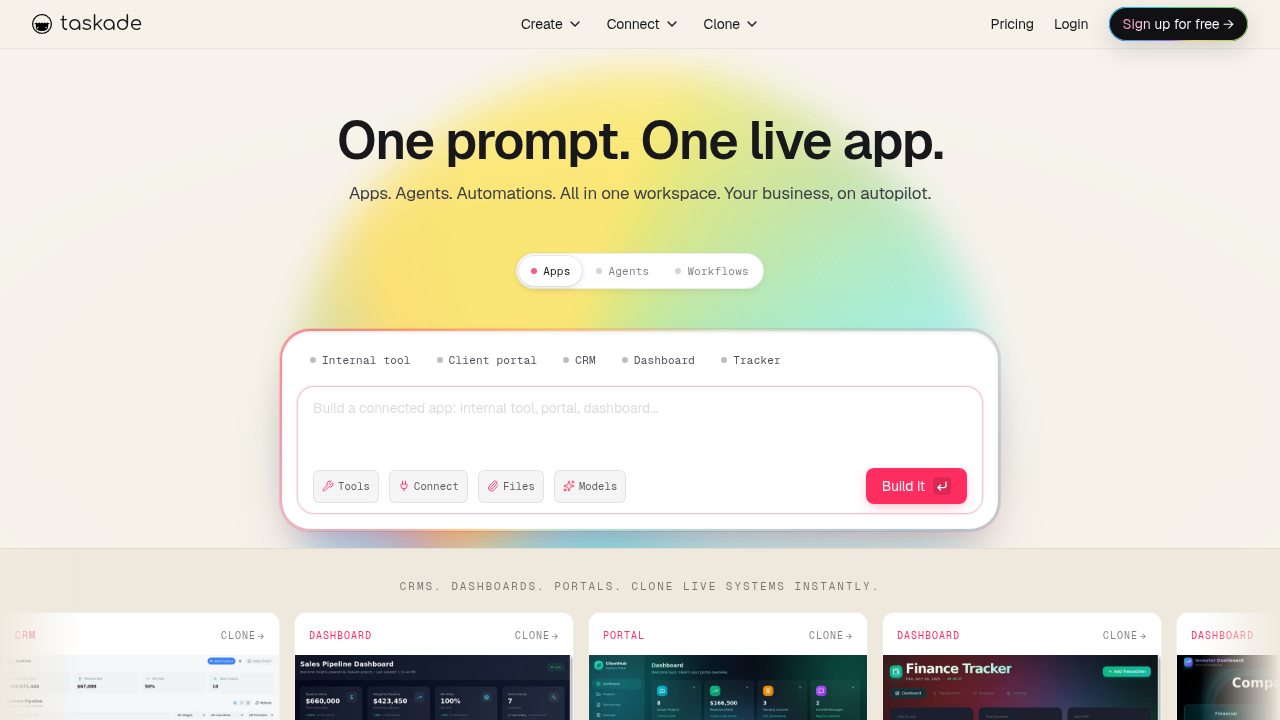
The AI in Taskade does the heavy lifting for your team. It can create meeting agendas automatically based on your project notes. After a discussion, it generates action items and assigns them to team members. It can even outline code structures for new features. This saves hours of manual planning every week.
For distributed engineering teams, real-time collaboration is built in. You see teammates typing in the same document instantly. The AI watches what everyone does and suggests next steps. For example, if your team finishes a sprint review, Taskade AI can suggest task assignments and deadlines based on the discussion. This keeps everyone aligned without extra effort.
Taskade uses the latest LLM AI models under the hood. This means its suggestions are smart and relevant. It understands your project context, not just random keywords. Your notes website becomes a living workspace where ideas turn into tasks automatically.
If your team already uses structured notes but wants AI that actively helps get work done, Taskade is worth checking out. It is one of the best notes AI tools for teams that need both organization and execution in 2026. Learning to build better team workflows around these types of AI tools is a valuable skill. For more on that, this context engineering guide for agile and DevOps teams explains how to align AI tools with your team’s existing processes.
Taskade fills a specific gap. Roam is great for connecting knowledge. Taskade is great for turning that knowledge into action.
7. Anytype AI: Open-Source Alternative with Local AI Processing
While Taskade focuses on team collaboration, some developers prefer a different approach to notes AI. One that puts privacy and total control first. That is exactly what Anytype offers.
Anytype is an open-source platform that runs locally on your device. Your data stays encrypted from end to end.

It never touches a remote server unless you choose to sync it. This is a big shift from most other tools that send your notes to the cloud for processing.
The AI features work completely on-device. You get semantic search that understands the meaning behind your words. It auto-tags your objects to keep everything organized without manual effort. And it can summarize long documents right on your machine. All of this runs using local LLM AI models that you choose and control.
For developers who value customization, Anytype is a dream. You build a knowledge base using objects instead of flat pages. You can link anything to anything. The upcoming features include local AI agents that interact directly with your objects. As detailed in the Anytype February 2026 community update, this will let you spin up a private AI assistant that never shares your data. It is a different way to think about the types of AI that power your personal workspace.
If you want a notes website that respects your privacy and gives you freedom to experiment, Anytype is a top pick in 2026. It is especially strong for engineers who want to tinker with their own setup.
Staying current with tools like this helps you grow in your career. Read this guide on the developer job market 2026 to see where the industry is heading.
8. Craft AI: Beautiful Notes with AI Writing and Proofreading
Sometimes you need your notes to look as good as the ideas inside them. That is where Craft AI shines. Craft has always been known for its clean, beautiful editor. But in 2026, it is also a powerful notes AI tool that helps you write better.
The AI features focus on writing assistance and proofreading. You can ask Craft to rewrite a paragraph in a simpler style. It can turn your rough notes into polished changelogs. And it proofreads your text to catch errors before you share it with your team.
For developers, this is especially useful. You can write technical documentation in plain language and let Craft rewrite it in a more readable style.
No more awkward sentences or unclear instructions. The AI handles the formatting while you focus on the content.
Beyond just writing, AI can also help organize your notes in other ways. For example, AI-based auto-tagging of content can automatically label and categorize your documents. While Craft focuses on the writing side, understanding these different types of AI in the notes space helps you build a complete workflow.
Craft also supports cross-platform sharing. You can work on a document on your Mac, edit it on your iPad, and share it with your team from any device. This makes it a great companion for developer documentation. Whether you are writing API guides or internal wikis, Craft keeps everything looking professional.
If you are looking for a notes website that combines great design with smart AI writing tools, Craft is worth trying. It is especially good for developers who care about how their documentation reads.
For more on building the right skills in 2026, check out this guide on software developer skills to keep your toolkit up to date.
And if you want daily insights on AI and tech trends without the noise, subscribe to The AI Newsletter Worth Reading. It delivers clear updates straight to your inbox.
Summary
This article surveys the leading AI-powered note-taking tools that fit modern developer workflows in 2026, explaining how different designs — from cloud-native workspaces to local-first knowledge bases — solve common information overload problems. It profiles platforms such as Notion, Obsidian, Mem, Reflect, Roam, Taskade, Anytype, and Craft, highlighting each one’s strengths around automation, privacy, graph-based linking, collaboration, and AI writing assistance. The guide explains how LLMs and local models power summarization, semantic search, and auto-tagging, and why integrations with GitHub, Jira, and Slack matter for engineering teams. Readers will learn which tools suit solo engineers versus distributed teams, what to consider for compliance and on-device processing, and practical steps to evaluate and adopt a notes AI without disrupting workflows. By the end, developers will be able to pick a notes AI approach that preserves privacy, accelerates recap and action-item capture, and integrates with existing development processes.


