

Why cloud-native + AI is the next platform-level priority (and what to watch for)
In 2026, it’s clear that AI is no longer just a cool idea. It’s truly a part of how businesses work. Most companies, about 92%, have plans for AI in their daily operations right now, not just in small tests, according to the 2026 Infrastructure Identity Survey: State of AI Adoption. At the same time, cloud-native ways of building software have become the normal way for many teams. Roughly 20 million developers worldwide are working with cloud-native technologies, as shown in the MARCH 2026 report.
So, what happens when you mix these two big things? You get a new, very important challenge. Teams need to pick the best of the the top 10 AI companies defining 2026 out there. But they must do this while making sure their engineering technology trends 2026 still works smoothly. This means picking the right AI solutions without messing up the smooth, flexible systems they already have in the cloud. It’s all about making smart choices for your software application development services and how you build things.
This guide will help you understand how to choose and use the right top AI tools for your cloud setup. We’ll look at what to watch out for, focusing on how to make sure your development benefits without adding unnecessary risks. Our goal is to give you a clear, trusted way to bring AI into your cloud-native projects.
Staying updated on all these changes can be hard. For daily insights into AI and new tech, consider getting The AI Newsletter Worth Reading.
When we talk about bringing AI into your cloud setup, we need to think about how everything connects.

It’s like building with LEGOs; you need to choose the right pieces and snap them together in the best way. These "ways" are called architectural patterns. They help you connect your AI brains (models) to your everyday cloud apps so they work well together. Let’s look at a few common ways to do this.
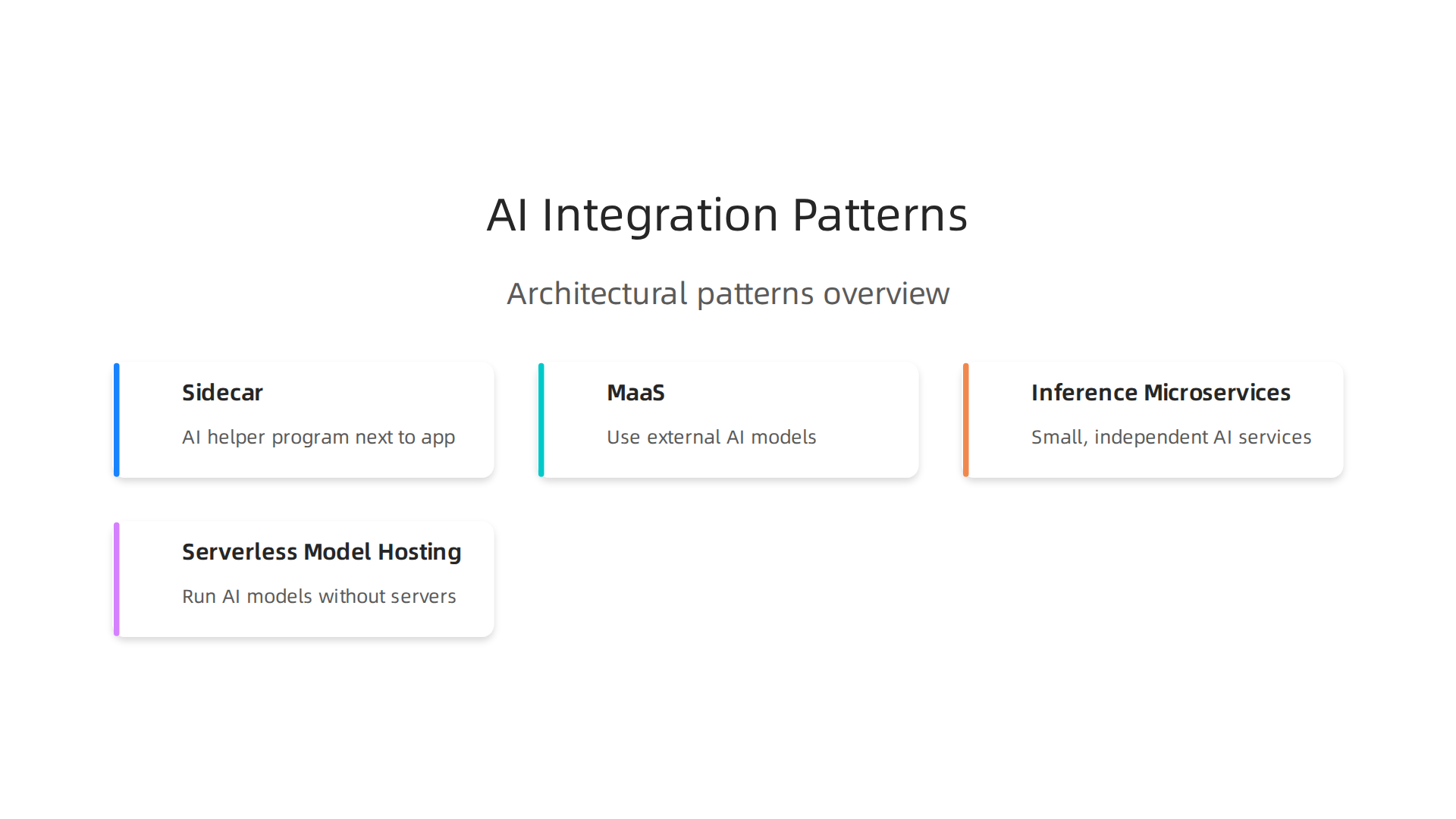
Sidecar and Service Mesh Integrations
Imagine your main application as a driver and the AI model as a helpful co-pilot sitting right next to it. That’s kind of what a "sidecar" pattern is. You run a small, special helper program right alongside your main app, often in the same container. This helper program manages all the tricky parts of talking to your AI model. They share resources easily, making communication very fast. This way, your main app doesn’t have to worry about the AI details; the sidecar handles it. Experts say that the Sidecar Pattern for container deployment helps reduce network problems for calls between apps. For AI, especially in Kubernetes setups, these K8s Sidecar AI Inference Proxies are becoming very popular in 2026.
Good things:
- Speed: AI tasks happen very quickly because the AI helper is so close to your app.
- Clean Code: Your main app stays simple and doesn’t get cluttered with AI code.
- Easy Updates: You can update the AI helper without touching your main app.
Things to think about:
- Complexity: It adds more parts to manage, which can be tricky for
software application development services. - Resources: Each main app gets its own AI helper, which can use up more computing power and memory.
Model-as-a-Service (MaaS)
Another way is to use "Model-as-a-Service," or MaaS. This is like ordering food from a restaurant instead of cooking it yourself. You use AI models that someone else (a big top ai companies like Google or Amazon) built and runs for you. You send your data to their service, and they send back the AI’s answer. This is often called Inference-as-a-Service.
Good things:
- Simple: You don’t have to build, set up, or run the AI models yourself.
- Scales Easily: The service provider handles making sure the AI can handle lots of requests.
- Less Work: Your team can focus on your main application, not on managing complex
top ai toolsinfrastructure.
Things to think about:
- Cost: You pay the provider for every time you use their AI model, which can add up.
- Control: You have less control over how the AI model works or how it’s updated.
- Data Security: You send your data outside your own systems, so you need to trust the provider to keep it safe.
Inference Microservices
This pattern breaks down your AI tasks into many small, independent services, called microservices. Each service does one specific AI job, like recognizing images or understanding text. These services can then be used by different parts of your main application. This is a common part of modern [cloud-native application development]. When designing cloud-native patterns for AI, these small services are key for real-time and batch AI tasks according to a paper on Designing Cloud-Native Patterns for Real-Time and Batch AI Services.
Good things:
- Flexible: You can use different AI models for different tasks and update them separately.
- Scales Well: You can make just the busy AI services bigger without affecting other parts of your app.
- Resilient: If one AI service has a problem, it doesn’t bring down your whole application.
Things to think about:
- More to Manage: You have many small services, which means more things to set up, watch, and fix.
- Communication: Making sure all these small services talk to each other correctly can be tricky.
Serverless Model Hosting
With serverless model hosting, you run your AI models without having to worry about servers at all. The cloud provider (like AWS, Google Cloud, or Azure) handles all the server management for you. Your AI code simply runs when it’s needed, and you only pay for the time your code is actually running. This is great for building Scalable Inference Architectures for Compound AI Systems and is highlighted in AWS’s guidance for Serverless ML inference pipelines.
Good things:
- Automatic Scaling: Your AI models can handle huge spikes in demand without you doing anything.
- Cost-Effective: You only pay for what you use, which can save money if your AI isn’t always busy.
- Less Operations: Your team doesn’t need to spend time managing servers or infrastructure.
Things to think about:
- Cold Start: Sometimes, if an AI model hasn’t been used for a while, it might take a moment to "wake up," causing a small delay.
- Vendor Lock-in: It can be harder to move your AI services to a different cloud provider once you’ve built them this way.
- Complex Debugging: Finding and fixing problems can be harder because you don’t control the underlying servers.
Choosing the right way to connect your AI models to your cloud apps depends on what your team needs most: speed, cost, ease of use, or control. Each of these patterns has its own set of upsides and downsides that you need to weigh carefully. Building good AI systems also means you should think about how to augment AI development with MLOps and ethical best practices for engineers.
After deciding how you want your AI systems to work, the next big step is choosing the right tools. Picking the best "top ai tools" is very important for developers. It helps them build things faster and makes sure the AI works well with other computer programs. These tools include things like Software Development Kits (SDKs), places where you can find ready-made AI models (model hubs), and AI helpers that write code for you (code assistants).
When choosing from the many "top ai tools" available in 2026, you’ll want to think about how they help developers get work done and how well they fit into modern cloud setups. This is often called "cloud-native friendliness." It means the tools should easily work with your cloud systems and not cause problems. For any software application development services team, making smart choices here can really speed things up.
Here’s a simple checklist to help you pick the best AI tools:
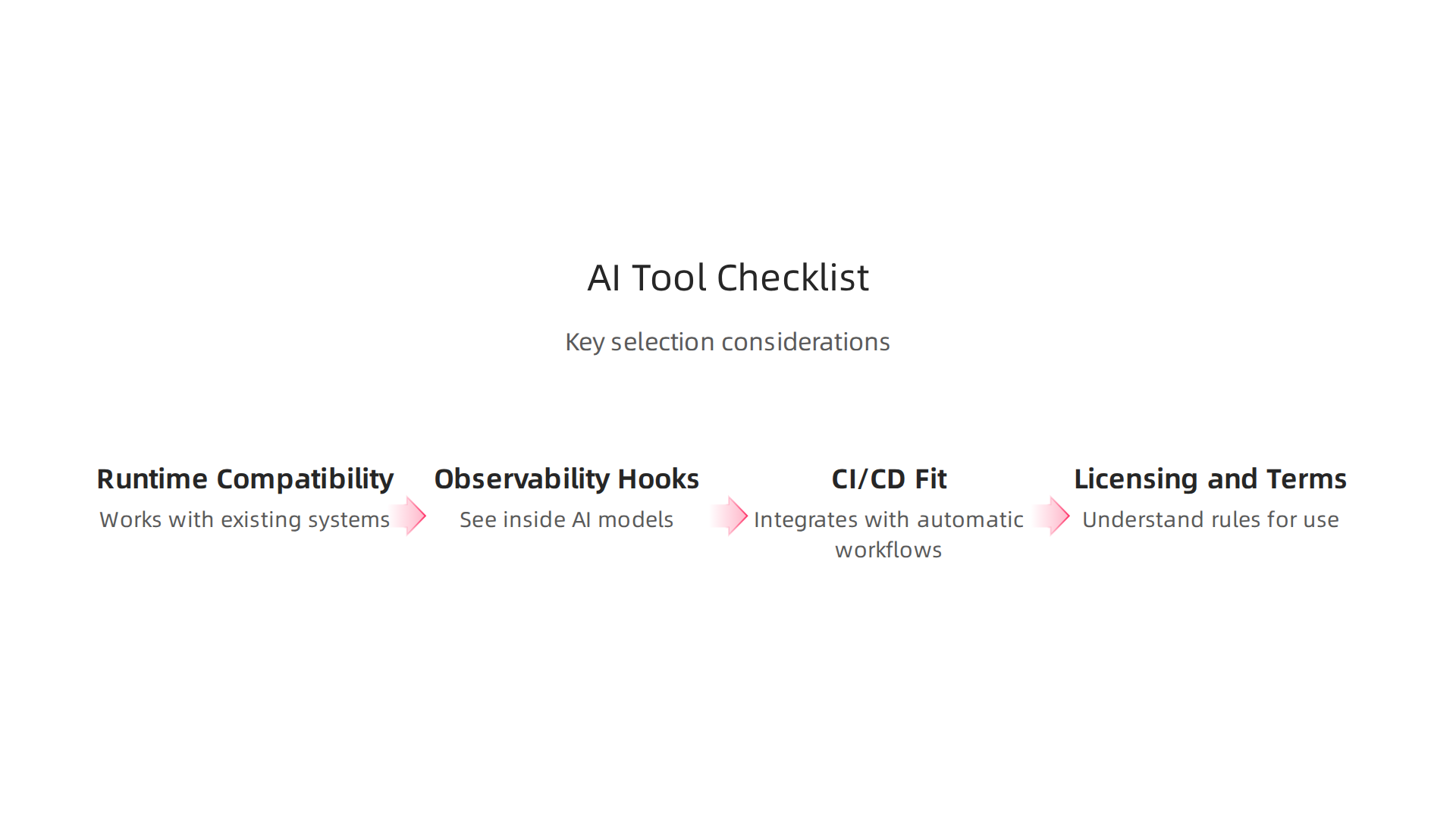
- Runtime Compatibility: This asks if the AI tool can run smoothly on the computer systems and software you already use. Does it work with your existing setup, or will you need to change a lot of things?
- Observability Hooks: Can you easily see what’s happening inside your AI models? This is like having a dashboard that shows you if your AI is making good choices or starting to get things wrong. Good "observability" helps you find problems like "model drift," which is when your AI starts performing worse because the data it sees has changed. Experts suggest that mastering MLOps Observability and Detect AI Model Drift is crucial to keeping AI apps reliable.
- CI/CD Fit: CI/CD stands for Continuous Integration and Continuous Delivery. It’s about how well the tool fits into your team’s automatic way of building, testing, and sending out new software. The best "top ai tools" should make this process easy. If a tool fits well, it can greatly improve your
developer experience 2026. You can find many choices for Top 8 CI/CD Tools for AI Applications in 2026 that help with this. - Licensing and Terms of Use: This is about the rules for using the AI tool. Is it free, or do you have to pay? Are there any limits on how you can use it, especially if you’re building a product for others? It’s important to understand these details to avoid problems later.
Many "top ai companies" are creating powerful new tools for AI development. Companies like Anaconda offer guides on the Best AI Development Tools for 2026, covering different needs from machine learning frameworks to code assistants. Taking time to look at these points will help your team make the right strategic choices for developer tools and cloud platforms in 2026.
To stay on top of the rapidly changing world of AI tools and trends, make sure you’re always learning.
Get clear daily AI updates from The AI Newsletter Worth Reading.
Staying updated on AI tools means not just knowing what they are, but also how to use them well in your projects. This often involves thinking about how AI models fit into your team’s everyday work, especially when you are building apps in the cloud. We are talking about important ideas like Continuous Integration/Continuous Delivery (CI/CD), MLOps, and observability for AI. These are all about making sure your AI systems work smoothly and reliably, especially in modern cloud setups.
CI/CD, MLOps, and Observability for AI in Cloud-Native Pipelines
When you build software, CI/CD helps teams put new code into their apps quickly and without mistakes. For AI, it means making sure your AI models are trained, checked, and ready to go into your applications without a hitch. This includes steps like:
- Training and checking models: Your AI models need to be trained on data and then tested to make sure they are accurate.
- Putting models into action: Once a model is good, it needs to be put into the live application so users can benefit from it.
- Watching models in action: Even after a model is live, you need to keep an eye on it to make sure it keeps working well.
This whole process is often called MLOps, which is like DevOps but made special for machine learning projects. MLOps helps teams integrate model training, validation, and deployment into their existing CI/CD pipelines. This makes it easier to manage the entire life of an AI model, from an idea to a working part of an app. Research shows that using MLOps practices for automated deployment can greatly improve how well machine learning models are delivered and managed Continuous Integration / Continuous Delivery for Automated Deployment of Machine Learning Models using MLOps. If you’re wondering why some AI projects don’t succeed, often it comes down to not having strong MLOps practices. For more details on common issues, you can learn about Why AI projects fail.
Watching Your AI Models: Observability Best Practices
Observability means being able to tell what’s happening inside your AI system at all times.

It is crucial for cloud-native application development, where AI models are often running in complex setups. For AI, this means watching things like:
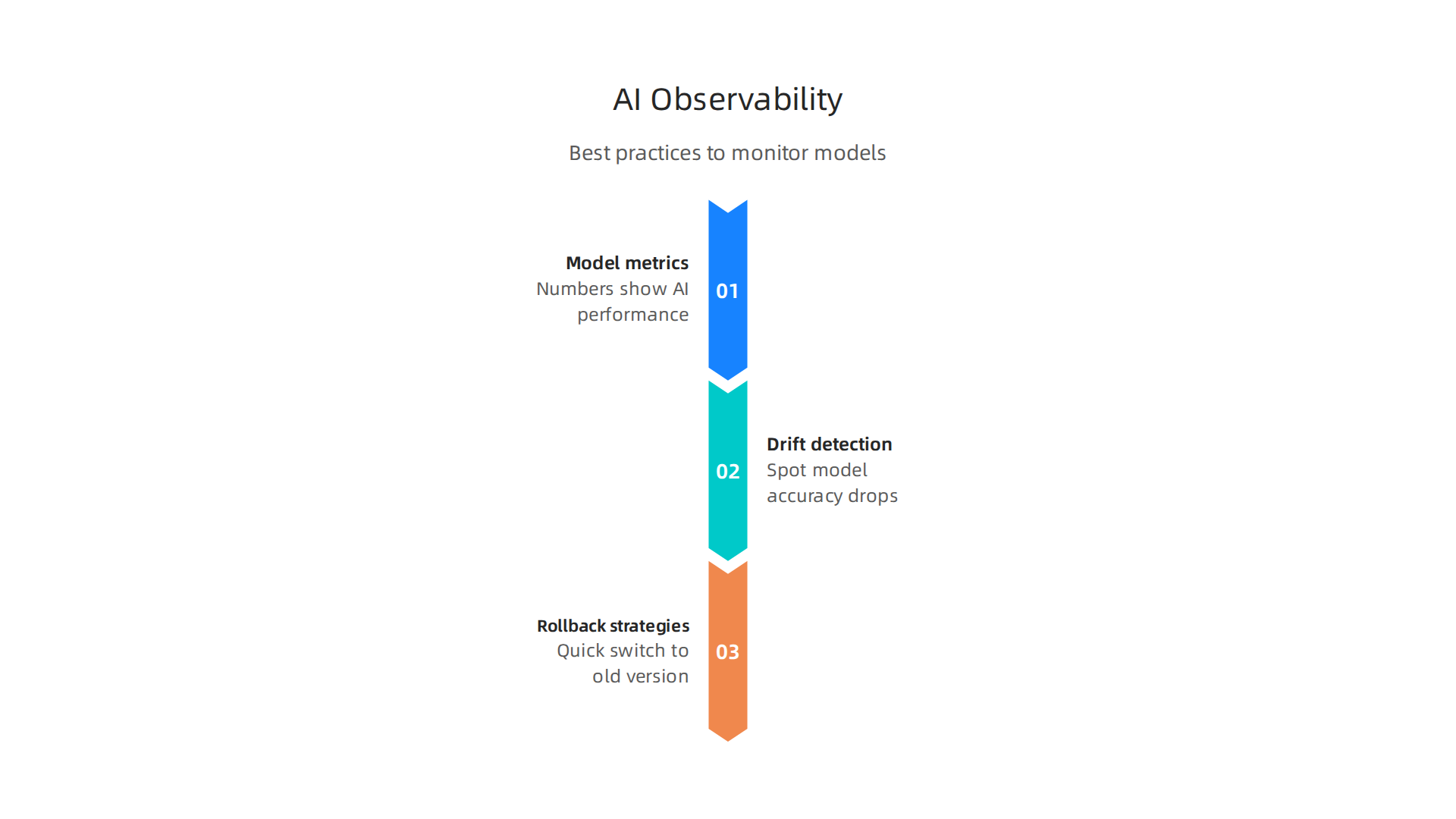
- Model metrics: These are numbers that tell you how well your AI model is performing. For example, is it making correct predictions most of the time?
- Drift detection: Over time, the real-world data your AI model sees might change. This can make the model less accurate, a problem called "model drift." Good observability tools can spot this drift early. Detecting and fixing data drift is a key part of keeping AI models working well Data drift detection and mitigation: A comprehensive MLOps survey.
- Rollback strategies: If something goes wrong with a new model, you need a quick way to switch back to an older, working version. This is like having an "undo" button for your AI deployment.
Many of the top ai tools available in 2026 come with built-in ways to help with observability. For example, some cloud services offer tools like AWS SageMaker that help you build, train, and deploy machine learning models, and also keep an eye on them. You can find out more about using tools like AWS SageMaker in 2026. These tools help you track how your models are doing and warn you if they start to perform poorly. This is a big part of what MLOps teams focus on. Detailed guidelines for model monitoring and system observability are very important for making sure your AI applications are reliable Chapter 6: Model Monitoring & System Observability.
In cloud-native settings, companies often use patterns like "serverless" designs for AI. These designs focus on making AI systems strong and easy to observe. By using these kinds of designs, you can make sure your AI applications are resilient and that you can easily see what’s happening inside them, which helps detect problems like model drift designing-serverless-ai-architectures.md. Building these robust systems is a core part of providing reliable software application development services in the age of AI. The way developers experience working with these AI tools and processes directly impacts how quickly and well they can deliver.
Building these robust systems is a core part of providing reliable software application development services in the age of AI. The way developers experience working with these AI tools and processes directly impacts how quickly and well they can deliver. But as we embrace these powerful technologies, it’s also vital to talk about security, privacy, and making sure everything follows the rules.

Security, privacy, and compliance when adopting AI tools in cloud-native stacks
When you use AI tools in cloud-native application development, you open new doors for innovation. But you also need to think about new risks. Securing your AI systems is different from securing traditional software because AI works with data and learns from it. This brings up special concerns around privacy and following important laws.
Understanding AI-Specific Threats
There are specific types of dangers that come with using AI, especially when dealing with lots of data in the cloud:
- Data Leakage: This happens when sensitive information that was used to train the AI model accidentally gets revealed through the model’s outputs. Imagine if an AI model, designed to help with customer service, accidentally shared personal details it learned from past customer chats. This is a big concern for many organizations, with third-party AI vendor handling and data leakage through outputs being top worries in 2026 Data Security and Compliance Risk Forecast Report.
- Model Inversion Attacks: Attackers might try to figure out the private training data used to build an AI model just by looking at its public predictions. This is like trying to guess a secret recipe by only tasting the cake.
- Supply Chain Risks: Just like with any software, the tools and data you use to build your AI can have hidden problems. If an AI model uses bad data or code from an outside source, it could bring in security flaws or privacy issues. Making sure your software supply chain is strong is a key part of cloud-native security in 2026, including things like checking third-party software and components The state of cloud-native security 2026: Maturity gaps and … – Red Hat.
Important Controls for AI Security and Privacy
To keep your AI safe and compliant, you need to put in place some smart controls.
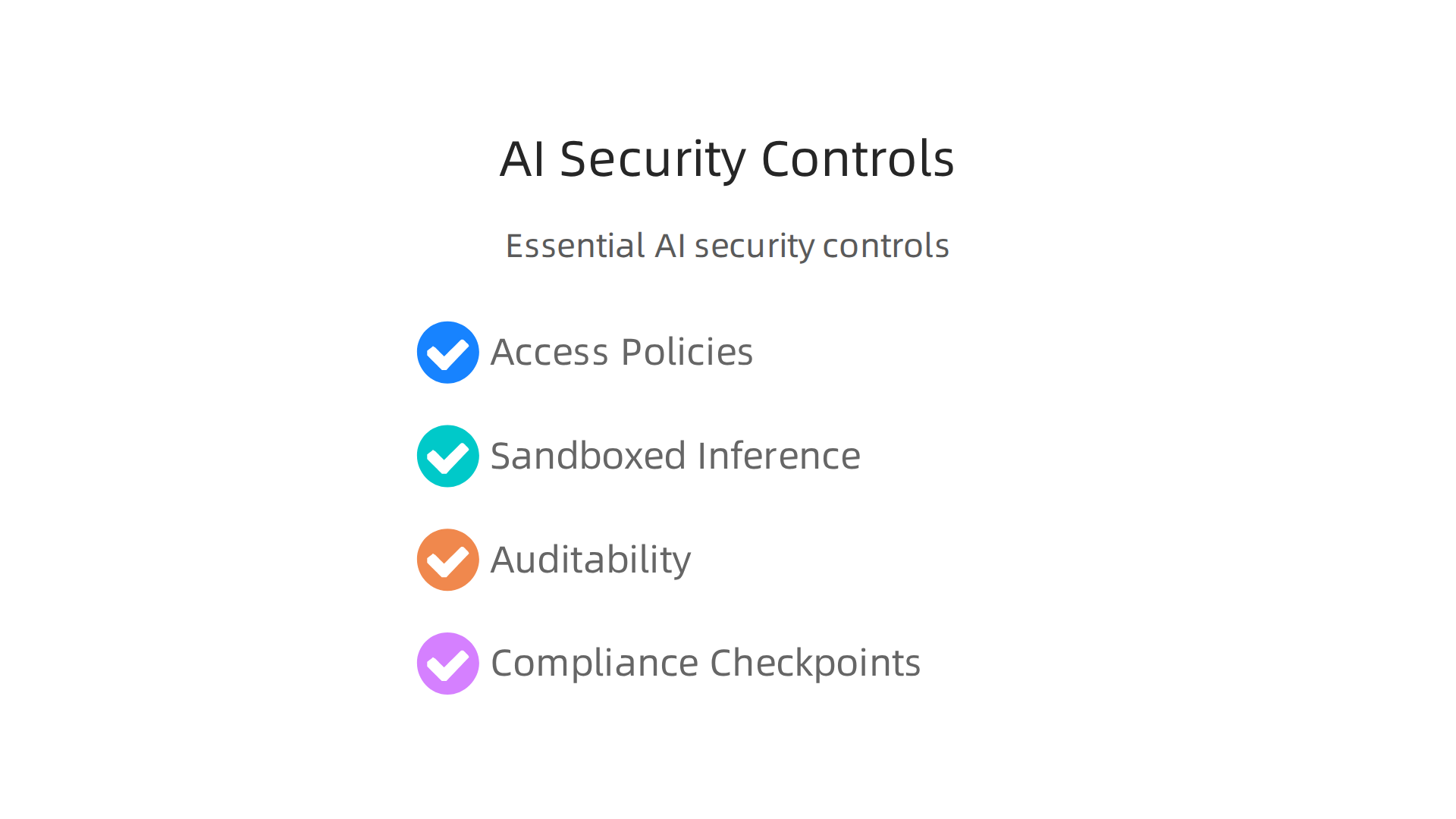
These help protect sensitive data and make sure your top AI tools work as they should:
- Access Policies: You must strictly control who can see, use, or change your AI models and the data they use. This means setting clear rules for permissions.
- Sandboxed Inference: This is about running your AI models in a safe, isolated space. If an AI model is "sandboxed," it can only access what it absolutely needs, which helps stop bad things from spreading if something goes wrong.
- Auditability: You need to be able to see exactly what happened with your AI systems. This means keeping detailed logs of who used the model, what data it processed, and what decisions it made. Strong audit trails are predicted to be a key success factor for AI governance in 2026 2026 Data Risk Forecast: 10 Predictions That Will Define AI ….
- Compliance Checkpoints: Many laws and rules, like Europe’s GDPR, the US FedRAMP for government use, and even new state laws like Colorado’s AI Act (effective June 2026), have specific demands for AI. You need to make sure your AI applications meet these rules. This often involves detailed risk assessments and keeping an eye on your AI systems AI Data Governance Enforcement 2026: Compliance Guide. Secure AI tools in 2026 offer features like encryption, data residency controls, and sensitive data detection to help with compliance Secure AI Tools for 2026: Compliance and Risk Management.
Taking these steps helps ensure that your cloud-native application development, especially with AI, is not just innovative but also trustworthy. If you’re looking to deepen your understanding of how to use AI responsibly in your software projects, consider exploring more on responsible AI practices for software teams.
The world of AI and cloud development changes quickly. Staying informed is important for every software professional.
Stay Ahead with AI Insights
Get clear daily AI updates from The Deep View Newsletter.
The world of AI and cloud development changes quickly. Staying informed is important for every software professional. Once you make sure your AI tools are secure and follow the rules, the next big step is to manage their costs and keep them running smoothly.

This is a very important part of cloud-native application development today.
Cost Management and Operationalizing AI in Cloud-Native Environments
Using AI can bring great power to your software, but it can also become quite expensive if not managed well. When you build AI into your cloud-native systems, you need smart ways to keep costs down while still getting the best performance. This includes how you train your AI models and how they work once they are put into action, which is called inference.
Keeping AI Costs in Check
Controlling the money spent on AI often comes down to two main areas: training and inference.
- Smart Training Strategies: Training AI models needs a lot of computer power. To save money, you can use smaller models when possible, use less data if it still gives good results, or pick the right computer hardware for the job. Sometimes, companies even move some of their AI work from public clouds back to their own servers or private cloud setups to better control costs, with nearly 79% making this move or planning to in 2026 2026 Enterprise AI Infrastructure Survey.
- Efficient Inference: This is about how your AI model gives answers or makes predictions after it’s been trained. You can save money here by running many requests at once, using efficient serving systems, and choosing cloud servers that give you the most bang for your buck. For example, knowing how to optimize AWS storage for peak performance and cost savings can make a big difference.
Making AI Work Smoothly and Affordably
To run your AI in a way that’s both effective and affordable, you need good plans and practices. Many companies are adopting cloud-native approaches for their AI, with about 7.3 million AI developers now using cloud-native tools CNCF and SlashData Report Finds Cloud Native Community Reaches Nearly 20 Million Developers.
- Scaling Up and Down: Your AI systems should be able to grow when many people need them and shrink when fewer people do. This helps you only pay for what you use.
- Budgeting and Monitoring: Always keep an eye on how much you’re spending. Set budgets and get alerts if you’re about to go over. Regularly check your bills to find any surprises. Understanding cloud services examples: compute, storage, and databases explained helps in making informed decisions about where your money goes.
- Continuous Improvement: The best AI tools and practices change often. Keep learning and updating your systems to use the most cost-effective methods available.
By focusing on these areas, you can make sure your software application development services stay top-notch without breaking the bank. This balance lets your team innovate with confidence.
Stay Ahead with AI Insights
Get clear daily AI updates from The Deep View Newsletter.
After looking at how to keep AI costs low and run everything smoothly, let’s dive into some real-world examples. This helps us see how teams put top AI tools into action within their cloud-native apps. It’s one thing to talk about good ideas, and another to see them work.
Real-world examples: how teams integrated top AI tools into cloud-native apps
Many software companies are now using smart AI tools to build better apps. They learn a lot along the way about what works and what doesn’t. This part shares some of those lessons.
Using AI for Faster Coding
Imagine a team building a new online shopping app. They wanted to speed up how fast their developers could write code. They decided to try out some of the Best AI Coding Assistants 2026: Top 10 Tools Tested.
- Tool Choice: They picked GitHub Copilot because many of their developers already knew GitHub. It offered helpful code suggestions right inside their coding program.
- How it Worked: Developers got code suggestions as they typed, which cut down on writing basic parts of the code. This made their "cloud-native application development" much quicker.
- Outcome: The team saw about a 20% boost in how fast they could write new features. They liked how these top AI tools helped them.
- Lessons Learned: While helpful, they found they still needed to carefully check the AI-generated code for security and accuracy. They also learned to make strategic choices for developer tools and cloud platforms in 2026 to make sure they fit their specific needs.
Keeping AI Models Smart with Monitoring
Another company created an AI system to help customers with common questions. This system was a key part of their "software application development services." But over time, the AI started giving less accurate answers because customer questions changed.
- The Problem: AI models can "drift." This means they become less accurate as the real-world data they see changes over time.
- Their Solution: The team used cloud-native tools to monitor their AI model’s performance constantly. They looked at things like how often the AI gave a good answer. They set up alerts to tell them if the AI’s accuracy dropped too much. Tools like Amazon SageMaker Model Monitor are often used for this kind of work, as highlighted in Chapter 6C: Model Monitoring and Observability Tools.
- Outcome: By catching issues early, they could retrain their AI model with newer data before it caused big problems for customers.
- Lessons Learned: They realized that putting an AI into action isn’t a one-time thing. You need to keep an eye on it always. Without good monitoring, even the best AI tools can lose their edge, which explains why AI projects fail sometimes. They also learned to set up clear rules for when and how to update their models.
By learning from these real-world examples, teams can better plan for using top AI tools in their own cloud-native projects.
Summary
This article explains why combining cloud-native architectures with AI is now a platform-level priority and walks through practical choices teams must make to integrate AI safely and efficiently. It compares four common integration patterns — sidecar, Model-as-a-Service (MaaS), inference microservices, and serverless hosting — and outlines the trade-offs for latency, cost, control, and operational complexity. The piece also shows how to evaluate top AI developer tools for runtime compatibility, observability hooks, CI/CD fit, and licensing, and it describes how MLOps, monitoring, and rollback strategies keep models reliable in production. Security and compliance are covered with concrete controls like access policies, sandboxed inference, and auditability to reduce data leakage and supply-chain risk. Cost management guidance sketches training and inference optimizations, scaling rules, and budget monitoring to prevent runaway bills. Finally, real-world examples illustrate productivity gains and the importance of continuous monitoring and governance so teams can adopt AI without breaking their cloud-native workflows.


