

Why web performance is a growth lever for website traffic
Imagine trying to open a website, and it just loads slowly. You wait, and wait. What do you do? Most likely, you leave. This simple truth shows why how fast your website works, or its "web performance," is super important. It is not just a small tech detail; it is a big reason for how much website traffic you get.
Good web performance makes visitors happy. When pages load quickly and everything works smoothly, people stay longer. They click around more. This good "user experience" means they might buy something, sign up for a newsletter, or come back again later.
Search engines like Google also pay close attention to how fast and well your website works. In 2026, Google uses something called Core Web Vitals to measure this. These are special ways to check how users really feel about your site. They look at three main things:
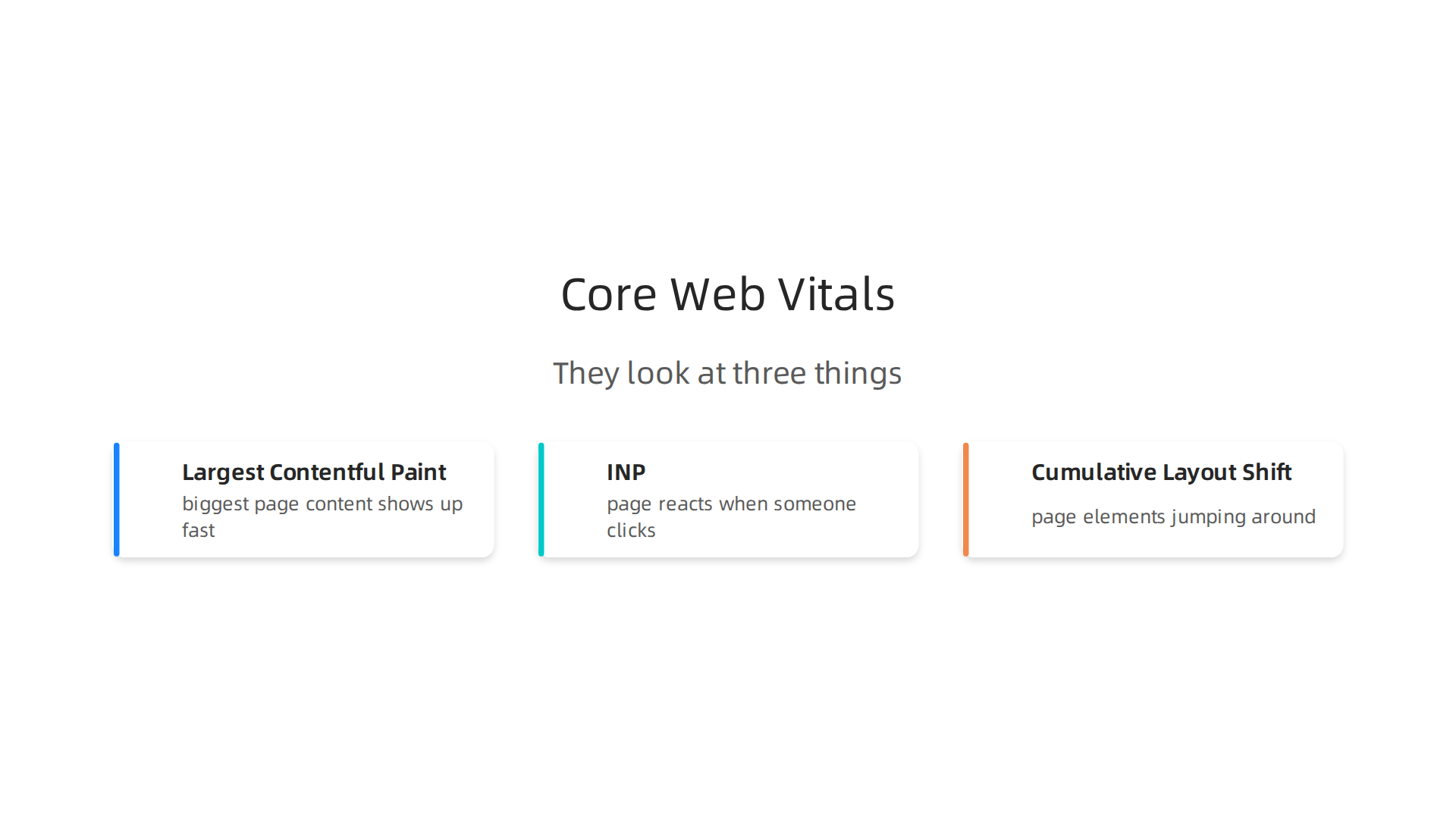
- Largest Contentful Paint (LCP): How fast the biggest part of your page shows up on screen. Google wants this to happen within the first 2.5 seconds of the page starting to load for a good experience Understanding Core Web Vitals and Google search results.
- Interaction to Next Paint (INP): How fast your page reacts when someone clicks or taps something. This should be very quick, under 200 milliseconds.
- Cumulative Layout Shift (CLS): How much things on your page jump around while it is loading. You do not want things shifting because it is annoying when you try to click something. A good CLS score is under 0.1.
If your website performs well on these measures, Google sees it as a good place for users. This can help your website show up higher in search results, bringing in more website traffic. Think of web performance as a key part of your software development strategies. It is a big job for engineering and product teams to make sure your site is fast. This focus helps your site be easily found and keeps people coming back, which then turns into more sales or sign-ups. To make informed decisions about your site’s speed and overall design, especially for engineering teams, thinking about strategic website software design for engineering teams can be very helpful.
Staying updated on all the latest trends in software and AI is also key to keeping your websites fast and modern. The AI Newsletter Worth Reading can help you get clear daily AI updates.
Why performance matters for website traffic and business outcomes
While Google uses tools like Core Web Vitals to check your website’s health, the real reason web performance is so important comes down to people and money. A slow website isn’t just bad for rankings; it’s bad for your business.
Think about it: when your site loads quickly and smoothly, visitors have a good time. They stay on your pages for longer. They look at more things, which means a longer "session length." This good experience builds trust. People learn that your website is reliable and easy to use.
On the other hand, if your website is slow, people get annoyed. They might leave your site quickly, which is called a high "bounce rate." A slow site can also make people less likely to do what you want them to do, like buying a product, filling out a form, or signing up for a service. This is known as a lower "conversion rate." For businesses, this means fewer sales and fewer new customers, even if you are getting a lot of website traffic. Actually, experts warn that you could be losing traffic if you do not fix your site’s speed problems in 2026 because Core Web Vitals are so important to user experience Core Web Vitals 2026: Fix Speed or Keep Losing Traffic.
So, performance directly links to important business goals. If your website is fast, more people will complete purchases.

More people will sign up for your newsletters. They will also be more likely to come back again, which helps with "customer retention." Keeping customers happy means they are more likely to tell others about your site, bringing in even more website traffic over time.
This means that how fast your website works is a key part of your overall software development strategies. Engineering teams need to make sure their sites are not just built, but built well and optimized for speed. This focus helps businesses succeed by keeping customers happy and getting them to do what matters most. Even with handy tools like no-code website builders, careful attention to performance is still needed to avoid the bigger issue where the web feels "useless" because of speed and complexity. You can learn more about why these issues arise by reading about The Web Useless Problem In 2026 Boils Down To Performance And Complexity.
To truly make your website fast and keep your website traffic happy, you need to know how to measure its speed. It’s like checking the fuel in your car before a long trip. There are two main ways to measure website performance: using "lab data" and "field data." Understanding both is key for good strategic website software design for engineering teams.
Lab Data vs. Field Data: What’s the Difference?
Imagine you want to test how fast a new car drives.
- Lab data is like testing the car on a special track in a closed area. You control everything: the weather, the driver, the road conditions. This gives you very clear, repeatable results. In the world of websites, lab data comes from tools that simulate a user visiting your site. They run tests in a controlled setting, often using a standard internet speed and device. This is great for finding problems early, even before your site goes live, and for regular checks to make sure new updates don’t slow things down.
- Field data is like watching real people drive your car on everyday roads, in all kinds of weather, with different drivers and traffic. This shows you what real users actually experience. For websites, field data comes from actual visitors to your site. It collects information from their devices, their internet speeds, and where they are in the world. Google uses field data to judge your site’s Core Web Vitals, which directly impacts your search rankings and website traffic. This real-world view helps you fix the problems that bother actual users the most.
Many experts agree that using both lab and field monitoring together gives the best picture of your site’s health. For example, you can use lab tests during development and then use field data to see what needs fixing after users start visiting Why You Need Real User Monitoring to Really Understand Web Performance.
Important Performance Numbers (KPIs) and What They Mean
When we talk about measuring performance, we look at special numbers called Key Performance Indicators, or KPIs.
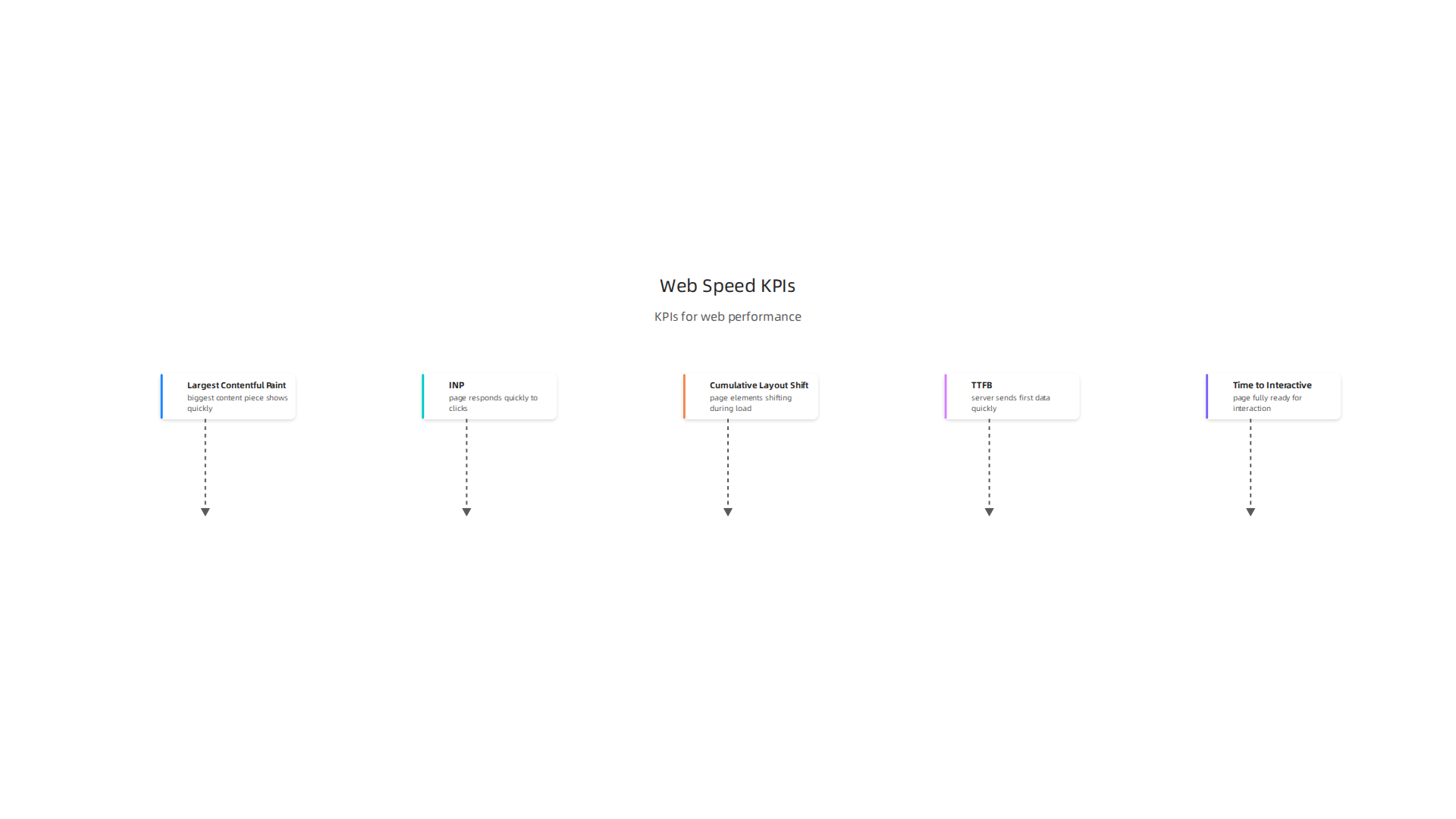
Google focuses on three main ones for Core Web Vitals in 2026:
- Largest Contentful Paint (LCP): This measures how long it takes for the biggest piece of content on your page (like a large image or a big block of text) to show up. A fast LCP means your page feels quick to load. For a "Good" user experience in 2026, LCP should be under 2.5 seconds, with some sources suggesting even under 2.0 seconds is ideal Core Web Vitals in 2026: What’s Changed and How to Pass.
- Interaction to Next Paint (INP): This tells you how quickly your page responds when a user clicks on something, taps, or types. It replaced First Input Delay (FID) as the main measure of responsiveness in 2024. If your site has a low INP, it feels smooth and quick to react. A "Good" INP in 2026 is under 200 milliseconds (that’s less than a quarter of a second) Core Web Vitals 2026: The Page Speed Guide That Moves.
- Cumulative Layout Shift (CLS): This measures how much things on your page jump around while it’s loading. Ever tried to click a button, and then the text above it suddenly moves, making you click the wrong thing? That’s high CLS. A "Good" CLS is under 0.1, meaning your page stays visually stable.
Other important metrics include:
- Time to First Byte (TTFB): This is how long it takes for your server to send the very first piece of data to a user’s browser. A fast TTFB means your server is quick to respond, which is the first step to a fast page load. Tools like PageSpeed Insights can help you check this. This can be influenced by how well your backend systems, perhaps powered by something like MongoDB Cloud, are set up.
- Time to Interactive (TTI): This measures when your page is fully ready for a user to click, type, and interact with everything on it.
When picking tools for measuring these, you might use Google’s own Lighthouse in Chrome’s Developer Tools for lab tests, or PageSpeed Insights for both lab and field data. For getting real-user insights, Real User Monitoring (RUM) solutions are excellent.

These measurements are crucial parts of any modern software development strategies, even when building with no-code website builders.
Do you want to stay updated on the latest trends and tools impacting software engineering, AI, and developer productivity?
Get clear daily AI updates from The AI Newsletter Worth Reading.
Now that we know how to check our website’s speed, let’s talk about what we can actually do to make it faster. This is all about what happens on the "front-end" of your website, which is everything users see and interact with in their browser. Good front-end work is a big part of successful website development tools for precision inventory management or any online service.
Making the First View Fast: The Critical Rendering Path
Think of your website as a painting. When you visit a website, your browser doesn’t show the whole picture at once. It follows a set of steps to get the first important parts onto the screen quickly. This is called the "critical rendering path." Our goal is to make this path as short and clear as possible so users see content fast.
To do this, we need to minimize "render-blocking resources." These are files like big CSS (design) files or JavaScript (interactive) files that the browser has to fully read and process before it can start showing anything. If these files are too big or take too long to load, your page will seem slow, and that can hurt your website traffic. Experts agree that paying attention to how the browser builds your page is key for performance in 2026 and beyond, covering everything from CSS/JS blocking to image optimization and font loading strategies Announcing the Complete Guide to Frontend Performance (2026 …).
Here are some ways to help:
- Move non-critical CSS and JavaScript: If some styling or interactive bits aren’t needed to see the first part of the page, load them later. This lets the browser show the main content sooner.
- Keep critical CSS small: Only include the most important design rules needed for the first view directly in the HTML.
- Defer JavaScript: Most JavaScript files can wait until the page is already visible. This means the browser doesn’t get stuck waiting for scripts before showing content.
Smart Ways to Handle Code: Bundling and Code-Splitting
Imagine you have many small boxes of different shapes and sizes.
- Bundling is like putting all those small boxes into a few bigger, organized boxes. For websites, this means taking many small CSS or JavaScript files and combining them into fewer, larger files. This helps because your browser doesn’t have to make as many separate requests to the server, which can save time 22 Front-End Performance Optimization Tips.
- Code-splitting is the opposite idea, but it works with bundling. It’s like having your big boxes, but only opening the ones you need right now. For websites, this means splitting your large JavaScript bundles into smaller chunks. These chunks are then loaded only when a user actually needs them, for example, when they click on a certain part of the page. This keeps the initial page load very light.
Using both methods carefully is a good modern practice for faster websites Frontend Performance Optimization Guide. It’s a key part of effective software development strategies for quick loading times.
Loading Smarter: Lazy Loading and Modern Assets
Another big helper for front-end speed is how we load images and other media.
- Lazy Loading: This means delaying the loading of images, videos, or even whole sections of your page until they are about to be seen by the user. If a user has to scroll down a lot to see something, why load it right away? By adding
loading="lazy"to images, you tell the browser to wait, which saves data and makes the initial view much faster The Ultimate Guide to Modern Web Performance Optimization in 2026. This is super important for pages with lots of images, helping improve website traffic experience. - Image Optimization: Using modern image formats like WebP or AVIF makes image files much smaller without losing quality. Smaller files load faster. Also, making images the right size for different screens (like phones versus big monitors) and telling the browser the image’s width and height helps prevent things from jumping around as the page loads, which improves Cumulative Layout Shift (CLS) React Performance Optimization Guide (2026). You can learn more about why these kinds of front-end optimizations matter for getting more people to your site Why Frontend Performance Optimization Matters.
These smart approaches are vital, especially when you’re building websites with no-code website builders, as even those platforms benefit greatly from these speed tricks.
After talking about how important lazy loading and image optimization are, let’s look closer at how your browser builds a web page. Getting the "first view" to show up quickly is about understanding what the browser does step by step. This is a big part of making sure your website traffic grows because people don’t like slow sites.
Understanding How Your Browser Builds a Page
When you visit a website, your browser first reads the HTML file. Think of HTML as the blueprint for your page. As it reads, it finds links to other important files, like CSS (which makes your page look good) and JavaScript (which adds interactive parts).
Here’s a simple way to see it:
- HTML: This is the main structure. The browser needs it first to know what’s on the page.
- CSS: These are the style rules. If the browser finds CSS at the very top of the HTML, it often stops building the page until it reads all that CSS. This is because it needs to know how things should look before it can paint them correctly. If this CSS file is large, it can slow things down a lot.
- JavaScript: These are like instructions for your page to do things. The browser often pauses its work to fetch and run JavaScript. If a JavaScript file is large or takes a long time, it can block the page from showing anything until it’s done. This can really impact how fast users see content.
The main idea is to make sure the browser doesn’t get stuck waiting for files it doesn’t need right away. For example, design elements for a part of the page way down below the fold don’t need to load instantly. It’s a key part of smart strategic website software design for engineering teams.
Your Checklist for Faster Loading
To help your pages load faster and get rid of "render-blocking resources," here’s a simple checklist you can use:
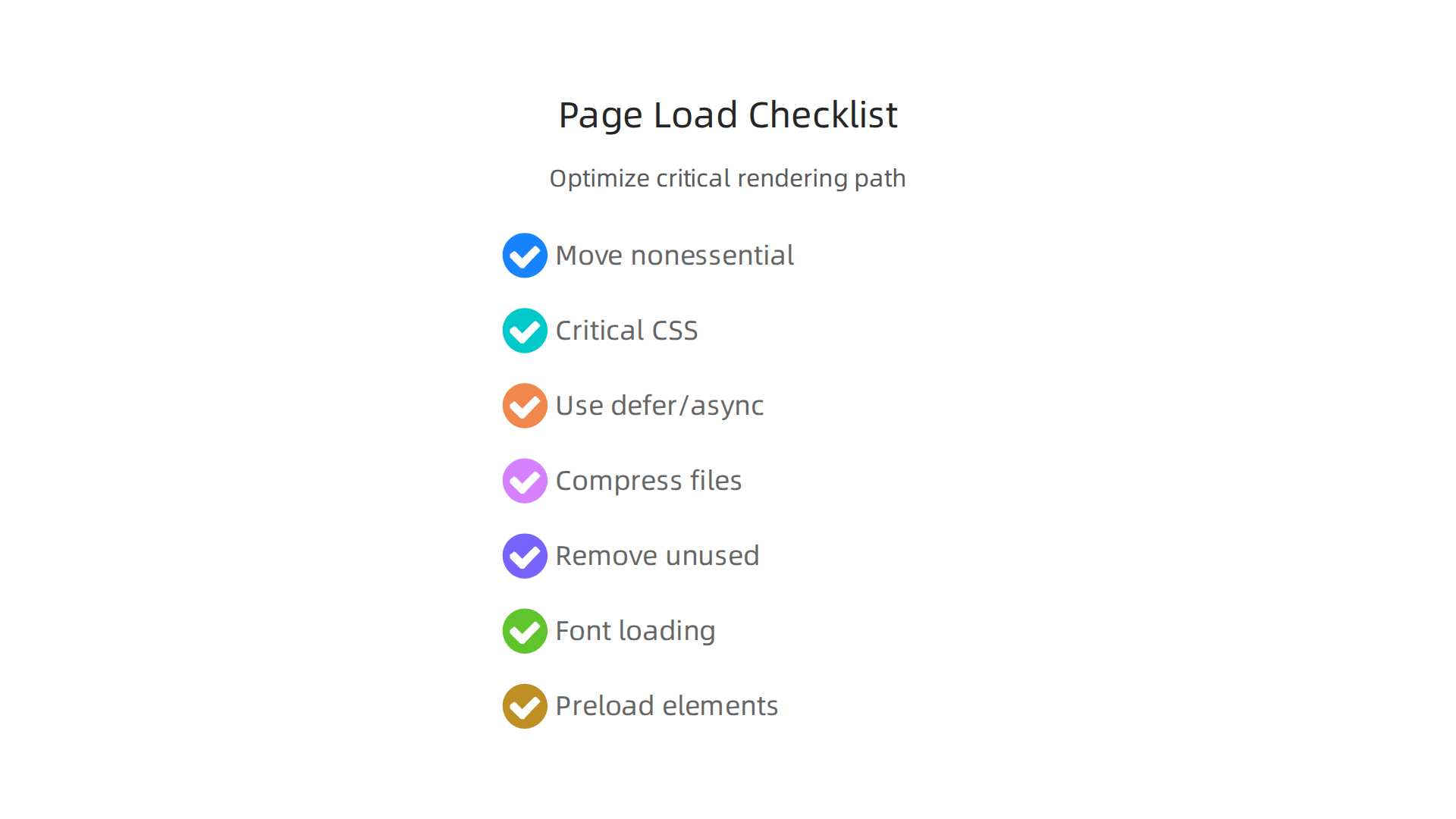
- Move non-essential CSS and JavaScript: As mentioned before, put CSS that’s only for parts of the page users see after scrolling lower down in your HTML. Do the same for JavaScript that’s not needed for the very first thing people see.
- Keep critical CSS tiny: Only include the bare minimum CSS rules needed to display the first screen of your page directly inside your HTML. This small bit of CSS can load instantly.
- Use
deferorasyncfor JavaScript: These special words tell the browser that it doesn’t have to stop everything and wait for JavaScript to load.defermeans "load this script in the background and run it after the HTML is all read."asyncmeans "load this script in the background and run it as soon as it’s ready." Using these helps the page show up faster while scripts are still loading. This is a basic but important practice for improving Frontend Performance Optimization: Best Practices for Faster Websites. - Compress your files: Make sure your CSS, JavaScript, and even HTML files are as small as possible. Tools can "minify" them, which means removing extra spaces and comments without changing how they work. This makes them faster to download.
- Get rid of unused code: Sometimes websites have old CSS or JavaScript code that isn’t actually being used anymore. Finding and removing this dead code can significantly reduce file sizes. You can use browser developer tools to check this.
- Think about font loading: Fonts can also block rendering. Use the
font-displayproperty in your CSS to tell the browser what to do while a font is loading. For example,font-display: swap;tells the browser to use a basic font first and then switch to your chosen font once it’s ready. This prevents blank text. - Prioritize key elements: For very important images or scripts that are absolutely needed for the first screen, you can use
preloadhints. These tell the browser to start downloading these items earlier than it normally would, giving them a "high priority" signal. This is especially useful for things like the largest image or text block that appears when the page first loads, known as the Largest Contentful Paint (LCP) element, as highlighted in modern performance guidelines for 2026 Front-End Performance in 2026: What Core Web Vitals Actually Mean for ….
Making these choices involves weighing trade-offs. Sometimes, adding a tiny bit more CSS or JavaScript might make your site look or feel better, but it could also make it a little slower.

The goal is to find the right balance for your users and your overall website traffic. Staying informed on these topics is crucial for any developer.
Ready to deepen your tech knowledge and keep up with the fast-changing world of software engineering and AI? You’ll find a lot of value in The AI Newsletter Worth Reading.
Moving beyond how your browser builds a page, another big piece of making your site fast and friendly is how you handle images and other files. It’s all about getting your website traffic to grow by making sure people don’t wait for things to load.
Image and asset optimization: formats, delivery, and caching
Images are a huge part of how heavy a webpage can be. To make your site load faster, especially in 2026, you should pick modern image types. For example, formats like WebP and AVIF make files 25-50% smaller than older types like PNG or JPEG, but still look just as good. When your images are smaller, they download much faster. This simple step can really help your website traffic.
It’s also super important to show the right size image for each person’s screen. Sending a huge picture meant for a big computer monitor to a small phone just slows things down for no good reason. You can use special HTML code or tools to make sure devices only get the image size they need, which is a key part of modern web performance optimization. This is a smart approach in any software development strategy.
Next, think about how your images and other files get to your users. You can use something called a Content Delivery Network, or CDN. Imagine your website has copies of its pictures and files stored in many places around the world. When someone visits your site, the CDN sends those files from the closest storage spot to them. This makes the files travel a shorter distance, so they arrive much faster. Using a CDN is like having express delivery for your website’s parts.
Also, your browser can remember files it has seen before. This is called caching. When you visit a website for the first time, your browser downloads everything. But if you visit again, the browser can often use the images and files it saved from your last visit. This means it doesn’t have to download them all over again, making repeat visits super fast. Smart caching helps reduce how much data needs to be sent each time, improving the experience for everyone. Even if you’re using no-code website builders, these ideas still apply to making your site speedy.
Now, let’s look at the "brains" of your website: the back-end. This is all the stuff that happens behind the scenes on your server, like getting data ready and sending it out. How fast your back-end works has a huge impact on how quickly your website appears to users and how much website traffic you can handle.
Back-end and infrastructure: APIs, caching, and CDN strategy
Even if your images are tiny, a slow server can still make your site feel sluggish. A key measure here is called Time To First Byte, or TTFB. This is simply how long it takes for a user’s browser to get the very first piece of information back from your server after they click a link. A fast TTFB means your server is quick to respond, which is vital for a smooth user experience. To make your TTFB better, you want your server to be close to most of your users. Also, make sure your server can use fast ways to send information, like certain types of compression. You can find more tips on how to optimize Time to First Byte.
How your website’s parts talk to each other is also very important. This often happens through APIs (Application Programming Interfaces). Think of APIs like waiters in a restaurant. If the waiters are slow or disorganized, your food will take a long time, no matter how fast the kitchen is. Well-designed APIs make sure information flows quickly and smoothly between different parts of your website and other services. This is a big part of good software development strategies. You can learn more about making smart choices for your strategic website software design for engineering teams.
Using a Content Delivery Network (CDN) isn’t just for images anymore. You can also use CDNs to cache or store copies of your website’s main pages and information from your APIs closer to your users. This is called "edge caching." When a user asks for a page, the CDN can send it from the closest spot instead of making the request go all the way to your main server. This can greatly reduce the wait time, especially for people far away from your main server. Experts often recommend a hybrid approach for online stores, using CDNs for both web pages and other media to ensure fast delivery in 2026. This boosts your website traffic by making your site globally quick.
A good caching plan means not just using a CDN, but using it smartly. You need to decide what information should be cached and for how long. For things that don’t change often, like a company’s "About Us" page, you can set the cache to last a long time. For things that change often, like stock prices or news updates, you need a way to tell the CDN to get the newest information quickly. This is called cache invalidation. Having a clear strategy for how your caches work together, from your main server to the CDN, helps make sure everyone sees the most up-to-date information without waiting. Learning about CDN optimization strategies for faster websites and lower latency can greatly improve your site’s performance.
To stay on top of all the new tools and changes in technology, especially with AI, you’ll want to keep learning.
Get clear daily AI updates from The AI Newsletter Worth Reading.
To keep your website fast and handle a lot of visitors, it’s really smart to check for speed problems much earlier, not just at the end.

This idea is called "shift-left performance." It means making sure your website runs well right from the start of building it, as part of your normal work. This is where your development workflows and CI/CD come in.
Think of CI/CD (Continuous Integration/Continuous Delivery) as the automatic helper that builds and tests your website code every time a change is made. By adding performance checks into this helper, you can catch slow parts before they ever reach your users. This is a key part of modern software development strategies in 2026.
Here’s how it works:
- Performance Budgets: You set clear goals for how fast your website should be. For example, a page should not be heavier than 1MB or load slower than 3 seconds. These are like spending limits, but for performance. If a new change makes your website go over this budget, the automatic system will flag it.
- Automated Checks: Special tests run automatically to measure things like how fast pages load or how much memory they use. These tests can run even on small changes, catching problems quickly. Placing these checks into your CI/CD pipeline helps prevent slow code from ever getting too far along. This way, you don’t wait for real users to tell you your site is slow.
- Finding Slowdowns Early: These automated checks are great at finding "performance regressions." A regression is when a new change accidentally makes your website slower than it was before. Tools can detect these slowdowns automatically in your CI system. Experts say that running quick performance checks on every pull request, which is when developers propose new code, helps find problems fast. You can even use tools like OpenTelemetry to automatically find these issues in your CI/CD workflow, according to one source How to Use OpenTelemetry for Regression Detection in CI. This makes fixing them much easier and faster for the team.
- Clear Reports for Developers: When a performance problem is found, the system should give clear, easy-to-understand reports. These reports help developers see exactly what’s gone wrong and how to fix it, often right within their code review process. This means performance isn’t just an afterthought but a regular part of improving your site.
By putting performance at the heart of your development process, you make sure your website stays quick and responsive for everyone. This "shift-left" approach not only makes developers’ lives easier by catching issues early but also helps boost your website traffic by giving visitors a consistently fast and smooth experience. To learn more about how engineering teams make smart tech choices, you might find this guide helpful: How Engineering Teams Evaluate Technology Services to Prevent Failures. This method is important whether you’re building a complex application or using tools like no-code website builders. It ensures that website performance is always a top priority.
Catching problems early in development is great, but you also need to keep an eye on your website once it’s live. This is where different kinds of monitoring come in. By combining different tools, you can spot slow parts before they ever bother your visitors and hurt your website traffic.
Monitoring, Testing, and Setting Performance Budgets
To truly keep your website fast, you need a plan that uses both fake tests and real user data.
-
Synthetic Monitoring: Think of this as setting up robots to visit your website regularly, even at odd hours. These robots follow a script, doing the same things a real user would, like clicking buttons or loading pages. They check your website from fixed locations and controlled setups. This helps you know if your site is working correctly and how fast it usually is, no matter how many real people are on it. It’s great for finding problems before they become widespread.
-
Real User Monitoring (RUM): This is different. RUM collects information from actual visitors using your website. It sees how your site performs on their devices, with their internet speed, and from wherever they are in the world. RUM shows you what real people are actually experiencing. Experts say that synthetic monitoring helps you validate if changes work as expected, while RUM reveals the true experience of your users

Synthetic Monitoring vs. Real User Monitoring: When and How to …. Using them together gives you the full picture.
By mixing synthetic checks with RUM, you can find slow parts or "regressions" (when something gets slower) very quickly. When you find one, an alert system can tell your team right away. This way, you can fix issues before they scare away your website traffic. This is a smart approach for any modern strategic website software design for engineering teams.
Setting Smart Performance Budgets
Just like you have a money budget, you need a performance budget for your website. These budgets are clear goals for how fast your site should be. For example, you might say a key page must load in less than 2 seconds, or that a page should not be bigger than 1 megabyte. These limits should be linked to what matters most for your users and your business, like how quickly people can complete a purchase or find information.
Setting these budgets helps guide your development. If a new change makes your website go over budget, your monitoring tools will flag it. This creates a clear signal that something needs fixing. It also helps everyone on the team, from developers working with complex mongodb cloud setups to those using no-code website builders, understand the importance of speed. Taking regular measurements helps ensure you stay within these budgets, preventing slowdowns from creeping in unnoticed Measuring web performance and loading speed: Synthetic vs. Real User Monitoring – Fasterize.
Keeping track of these things helps your team build better websites and ensures your visitors have a smooth experience.
Get clear daily AI updates from The Deep View Newsletter. The AI Newsletter Worth Reading
Summary
This article explains why web performance is a core growth lever for website traffic and business outcomes, showing how speed affects user behavior, conversions, and search rankings. It covers Google’s Core Web Vitals (LCP, INP, CLS) and practical KPI targets for 2026, then compares lab (synthetic) and field (real-user) data so teams know which tests to run and when. The guide walks through front-end tactics—critical rendering path, bundling, code-splitting, lazy loading, image formats—and back-end improvements like TTFB, API design, CDN and caching strategies. It also explains how to shift performance left into CI/CD with automated checks and budgets, and why combining synthetic monitoring with RUM catches regressions early. Readers will finish able to prioritize fixes, set realistic performance budgets, and implement monitoring and deployment practices that keep pages fast and traffic growing.


